
Start With Your Current Bottlenecks, Not Your Wish List
Before you look at machine size, work out where jobs are slowing down. In many Johannesburg and Pretoria workshops the real issue is not cutting speed, it is queue time, operator time, or having to split larger artwork into multiple runs. If you are re-cutting parts because the bed is too small, or turning away one-off signage and packaging jobs, you already have a capacity problem.
Look at the last 8 to 12 weeks and note which jobs caused pressure. A good expansion plan should be based on numbers, not guesswork. Count the average cutting hours per day, how often the machine sits idle, and how many jobs are waiting because of sheet size or changeovers. If your current machine is busy but your team is not, a second unit may be better. If the machine is always full and the bottleneck is bed size, a larger format may make more sense.
- Track average machine hours per day
- List jobs that need repeated repositioning
- Note any material offcuts that could be reduced with a bigger bed
- Record rejected or delayed jobs from the past month
Choose Between More Capacity and More Size
A second machine suits workshops that want parallel production. One machine can handle leather runs while the other cuts acrylic, or one can keep working during maintenance, optics cleaning, or a breakdown response visit. This is useful for signmakers, custom product makers, and small factories that need uptime through busy seasons.
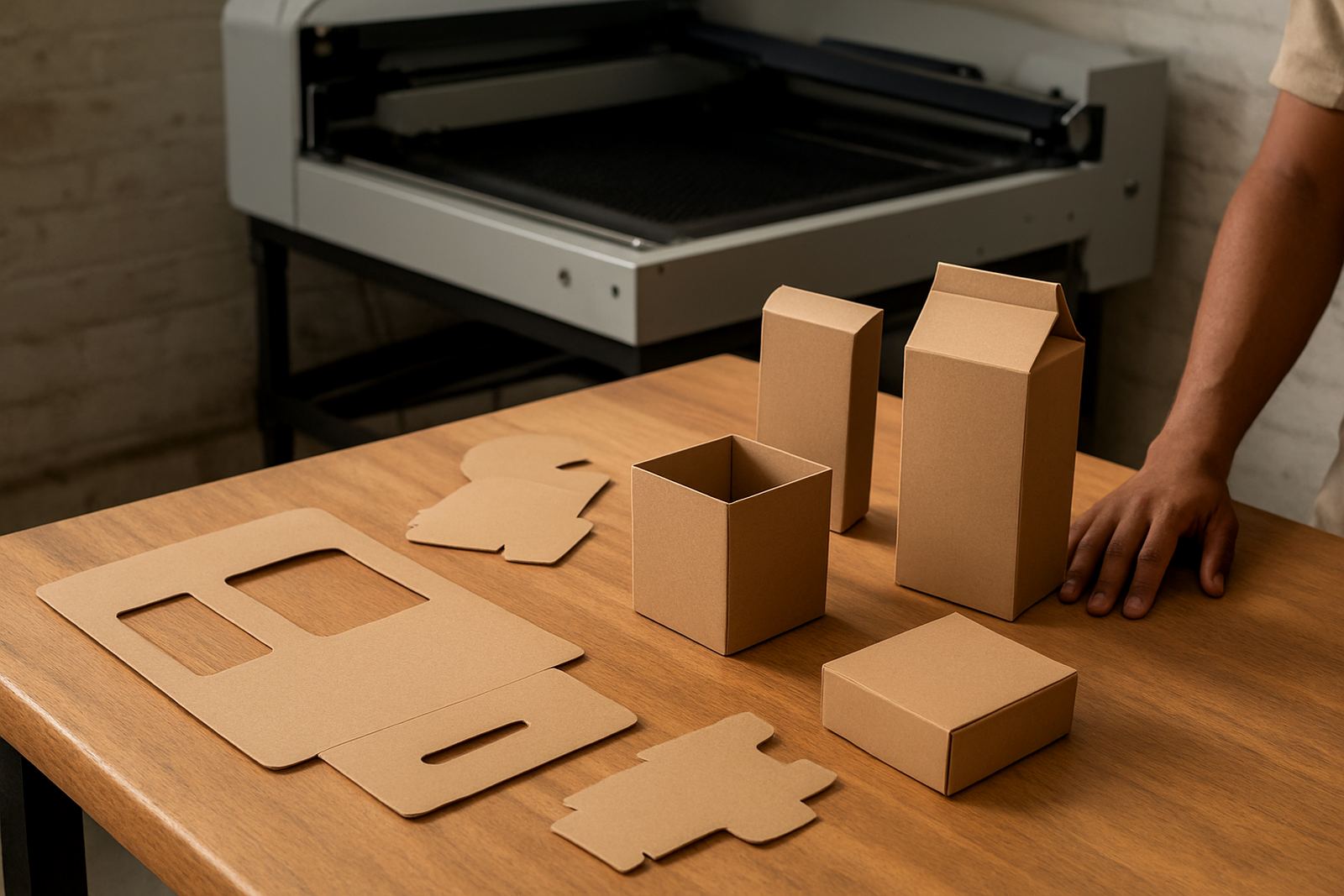
A larger format machine suits businesses that regularly work with bigger panels, longer profiles, or nesting layouts that are wasteful on a smaller bed. If you often make display pieces, furniture parts, shopfitting components, or long decorative panels, a bigger cutting area can reduce handling and save time. It can also cut down on joins, which helps with finish quality and a cleaner result.
The right answer depends on your production mix. If your work is varied and urgent, two smaller machines may give better control. If your work is repetitive and sheet based, one larger machine can improve yield and reduce labour.
- Choose a second machine if you need backup capacity
- Choose a larger format if sheet size is limiting output
- Choose two units if different materials need separate setup
- Choose larger format if material handling is slowing the team
Check Your Site Before You Place an Order
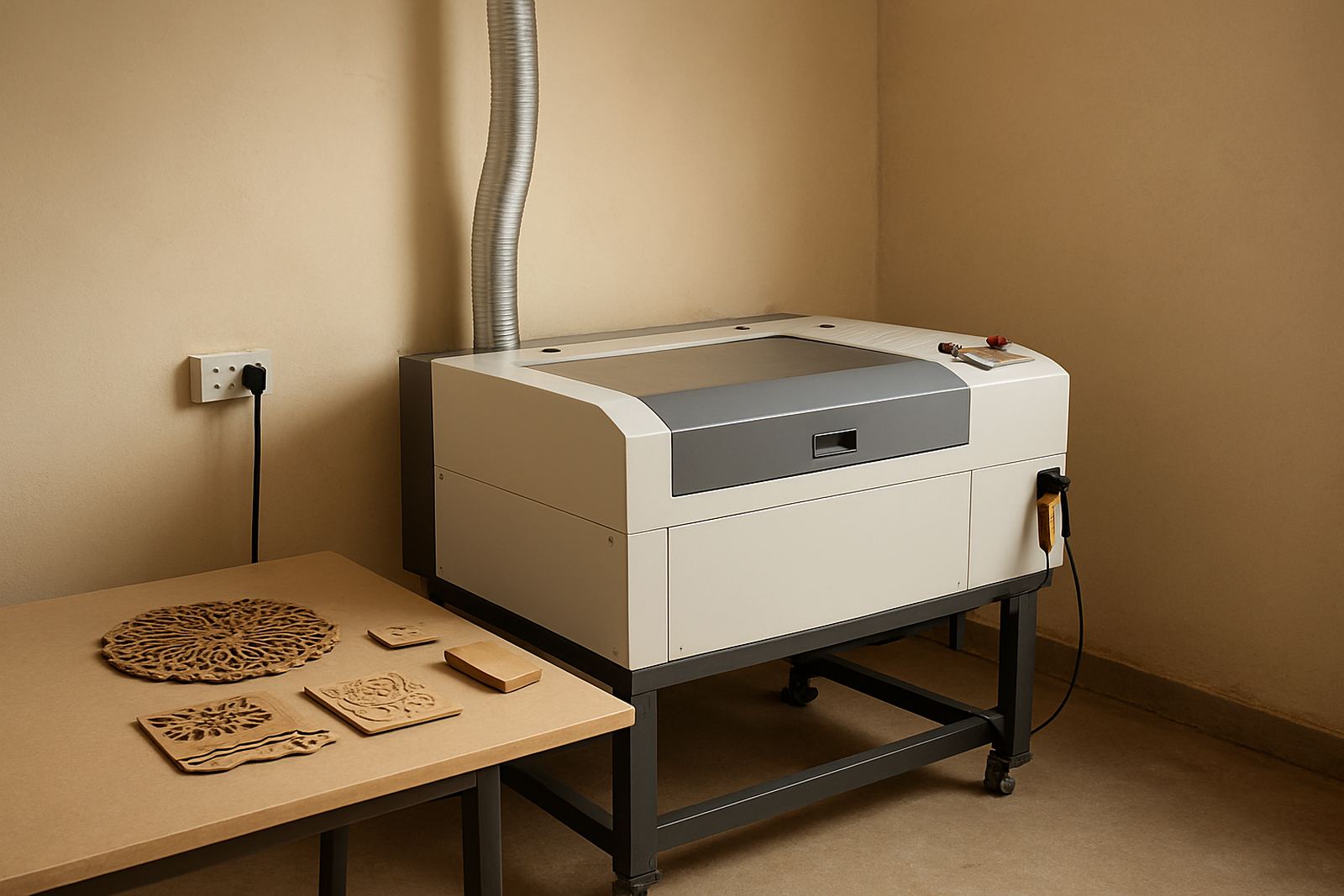
Many expansion plans fall over at the site stage. Measure the room properly, including access doors, turning space, extraction routing and loading access. In places like Wynberg, Sandton, Midrand and the East Rand, workshop layouts can be tight, and a machine that looks fine on paper can become difficult to position on site. Leave room for maintenance access too, because optics cleaning, beam alignment and cooling checks need space to work safely.
Power is another common issue. Your electrical supply must suit the machine and the rest of the workshop load, especially where load shedding has already forced teams to run backup power or stagger production. Do not forget extraction and cooling. CO2 cutting creates fumes and heat, and coastal humidity in Durban or Cape Town can affect storage and electronics if ventilation is poor. Extraction, clean optics and stable cooling are part of daily running not extras.
- Measure doors, passages and ceiling clearance
- Check power capacity and backup plan
- Confirm extraction routing and outside discharge rules
- Allow space for operator movement and material staging
- Plan for humidity, dust and heat control
Budget for the Full Cost of Expansion
It is easy to focus on the machine price and miss the rest. Your real budget should include installation, operator training, relocation help if you are moving equipment, and spares supply for routine running. Add preventive maintenance, annual service planning, and downtime cover for breakdown response. A workshop that grows without maintenance planning often spends more in lost output than it saves in extra capacity.
Also factor in consumables and support labour. If your team needs extra time to set up larger sheets, manage extraction service, or re-train on new settings, that has a cost. For smaller businesses in West Rand, Pretoria or Midrand, it can be better to phase expansion over two steps rather than stretch cash flow too far in one move. The aim is not just to buy more capacity, but to keep it earning every week.
- Machine purchase cost
- Installation and commissioning
- Operator training and refresher sessions
- Preventive maintenance and annual service plan
- Extraction, cooling and electrical upgrades
- Spare optics, belts, lenses and consumables
Match the Upgrade to the Work You Want to Win
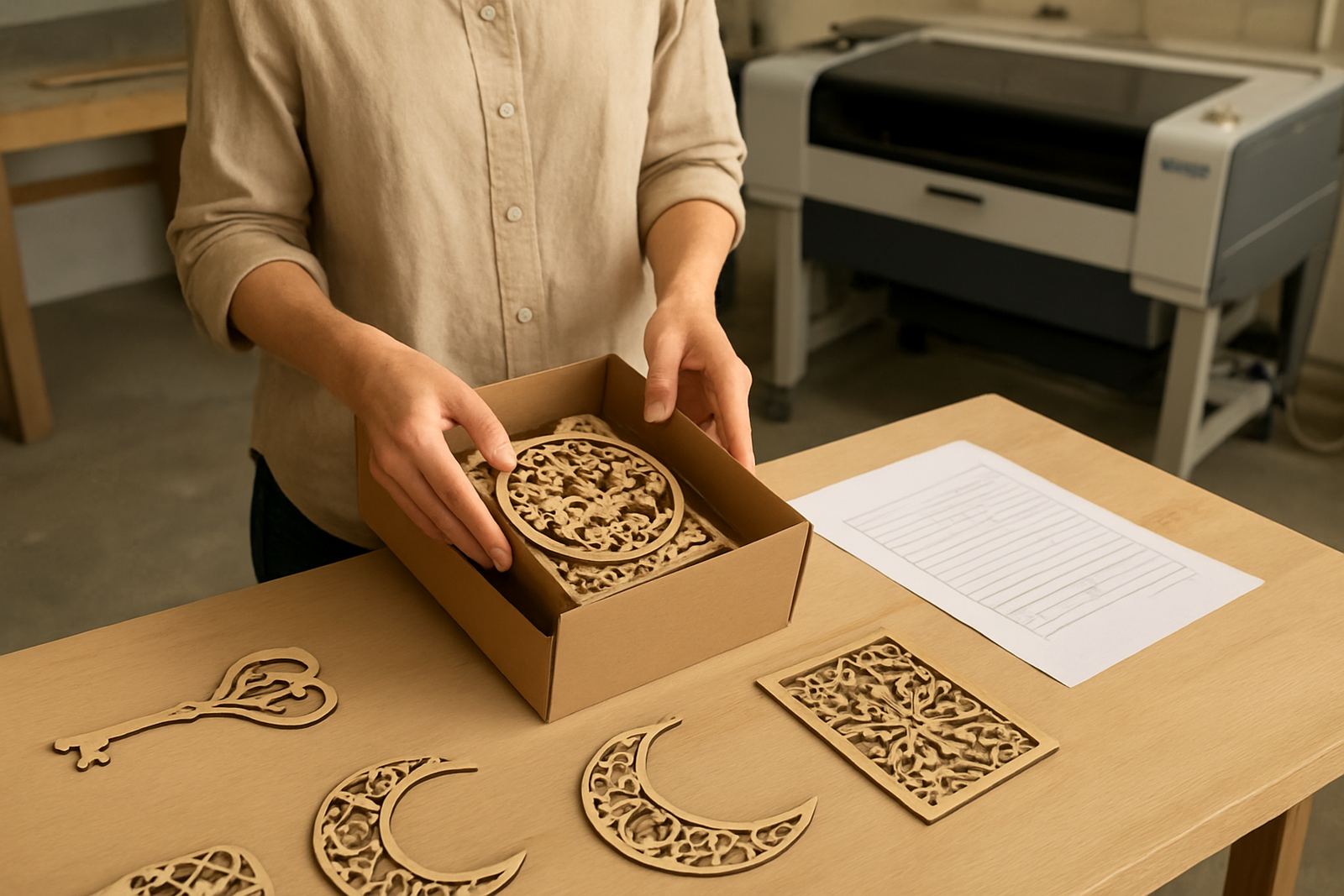
Expansion should follow the work you want to take on next. If your market is craft products, personalised gifts, leather goods or short-run acrylic items, a second machine may help you keep lead times short and handle many small orders at once. If you want to move into larger signage, shop displays or industrial-style parts, the bigger format route may open new work that you cannot currently quote with confidence.
Ask which jobs are profitable but hard to produce on your current setup. That answer usually points to the right upgrade. If the team is spending too much time splitting artwork, managing multiple passes, or moving sheets around, the process is costing you margin. Growth works best when the new machine removes a specific pain point and not just adds more capacity.
Talk to your operators too. They know where jobs slow down, which materials need the most attention, and where problems start after hours. Their input is often the difference between a sensible investment and an expensive mistake.
Build a Simple Rollout Plan for the First 90 Days
Once you have chosen the route, treat the first three months as a controlled rollout. Set up the machine, confirm beam alignment, test cooling and extraction, then run standard jobs before taking on rush orders. Train operators on startup, shutdown, lens care, material handling and basic fault checks. Keep a printed checklist at the machine so that the same steps are followed every shift.
A simple 90 day plan helps you protect output while the team gets used to the new setup. It also gives you time to see whether the extra capacity is actually being used. If the machine is under pressure from day one, you made the right call. If not, you may need to adjust quoting, scheduling or sales focus.
- Week 1 to 2: installation, checks and sample runs
- Week 3 to 4: operator training and job sign-off
- Month 2: monitor throughput, waste and downtime
- Month 3: review maintenance intervals and production targets
Use This Final Checklist Before You Expand
Before you commit, answer these questions honestly. Do you have enough space, enough power and enough work to justify the upgrade? Can your team run the new setup without creating more delays? Do you have a support plan for maintenance, extraction and what happens if something stops production?
If the answer is yes across most of these points, expansion is probably ready. If not, fix the gaps first. A well planned upgrade should make your workshop easier to run, not harder. When the process is thought through, more capacity means better lead times, cleaner output and a steadier flow of work.
- Have you measured current bottlenecks?
- Do you know whether size or capacity is the bigger issue?
- Is your workshop ready for installation and service access?
- Have you included training, maintenance and support in the budget?
- Is there enough work to keep the new setup busy?