Start With What You Want to Cut Every Day
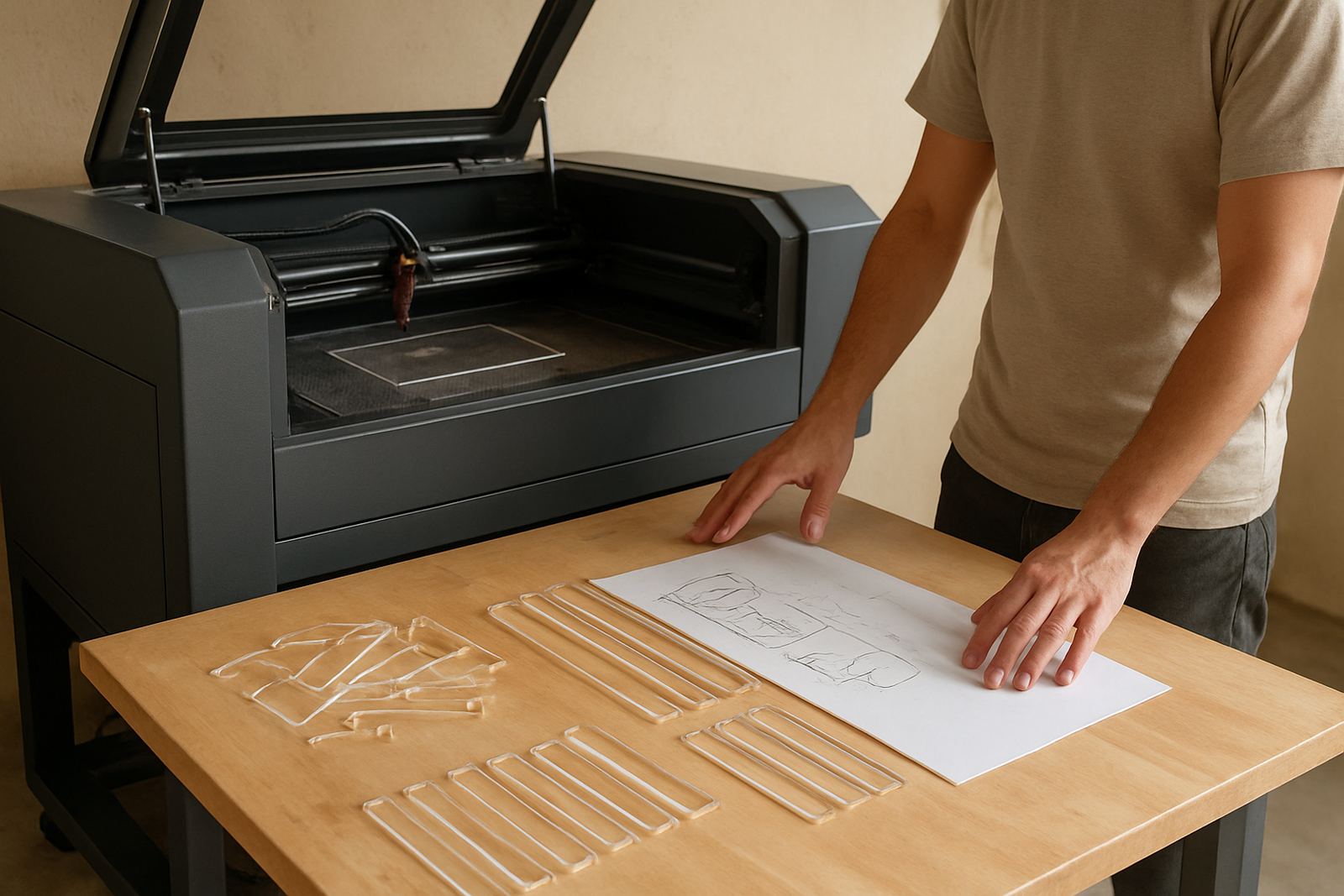
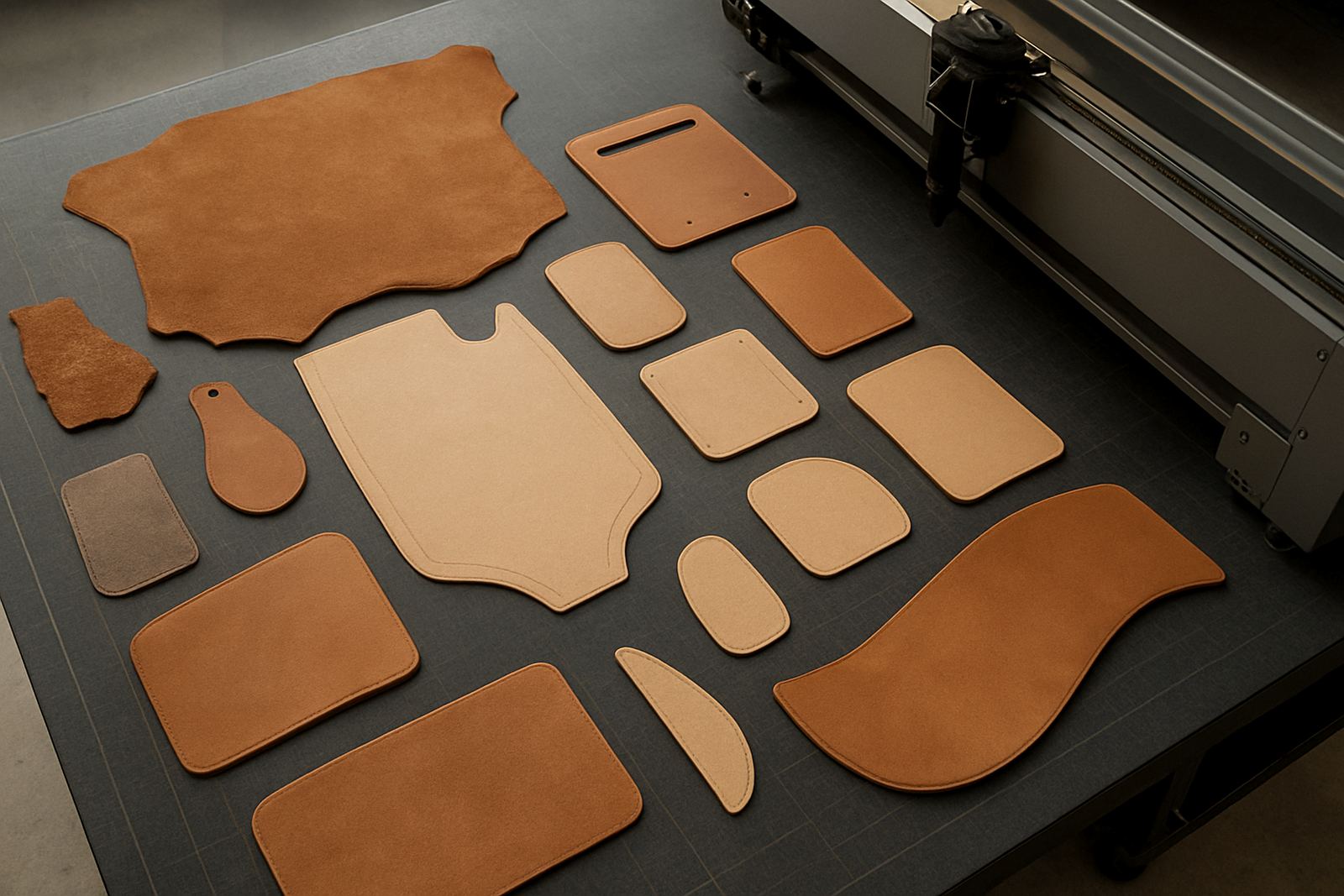
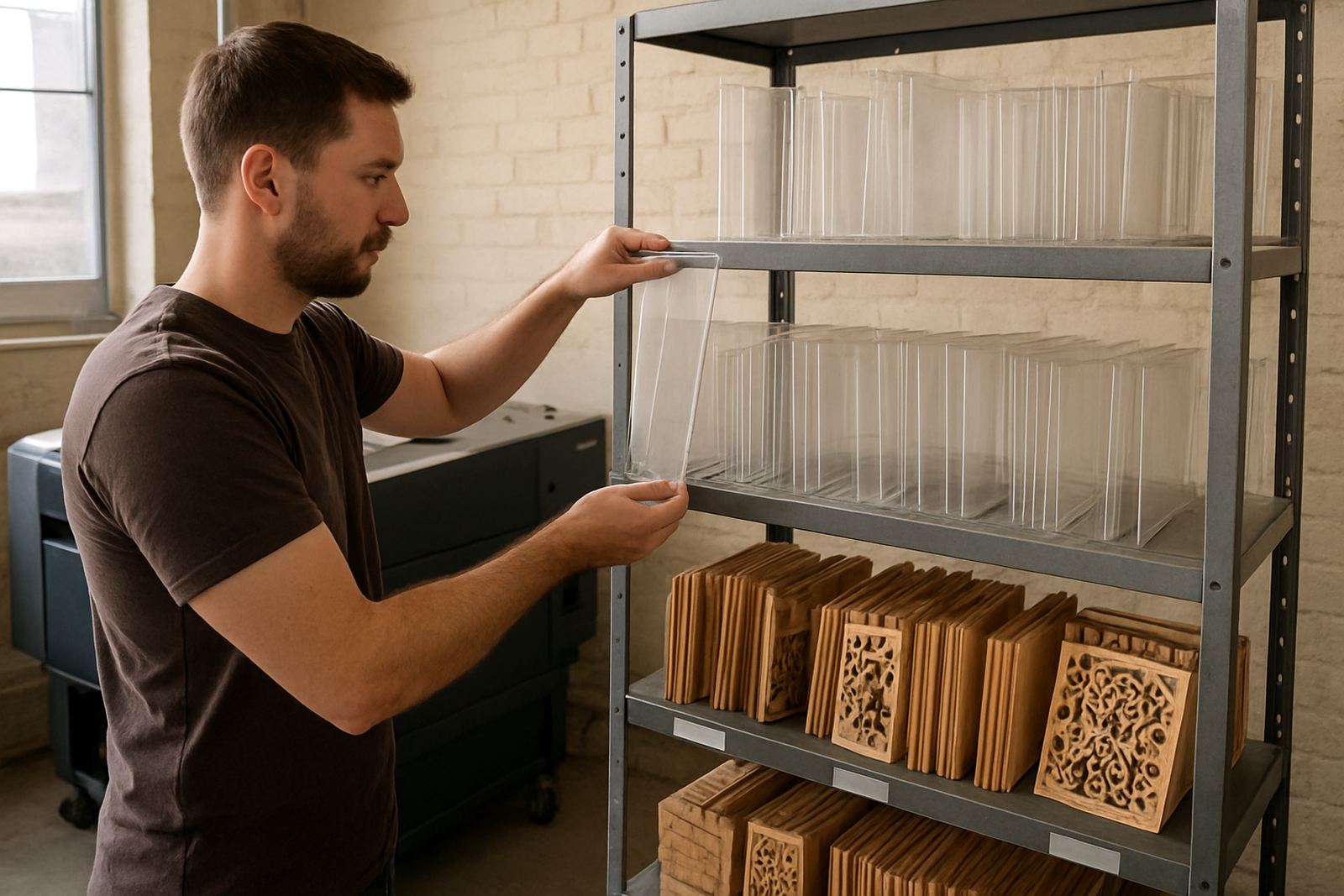
Before you compare machine sizes or power ratings, list the materials you will actually cut most often. A first-time buyer usually starts with acrylic, wood, leather, rubber, card, or fabric-based work. The right machine for a sign maker in Johannesburg is not always the same as the one for a craft studio in Durban or a small production shop in Pretoria.
Think about the thickness you need, the finish you expect and how much repetition is involved. A machine that handles 3 mm to 6 mm acrylic cleanly may be enough for custom work, but if you want to process thicker sheets, larger panels or more pieces per shift, you need to plan for higher output and steadier cooling. It helps alot to be honest about volume at the start, because overspending on size is as unhelpful as buying too small.
- List your top 5 materials.
- Note the usual thickness in millimetres.
- Estimate how many sheets or pieces you cut in a normal week.
- Decide if you need engraving as well as cutting.
Choose Bed Size and Power for Real Jobs, Not Guesswork
Bed size matters because it affects what you can produce in one setup. A bigger bed can save time on larger signs, panels and repeated batches, while a smaller bed may suit compact studios and lower starting budgets. When you are buying your first machine, make sure the working area matches the biggest practical job you plan to take on in the first year.
Power is equally important. Lower power machines can handle thin materials and fine work well, while higher power machines are better for thicker stock and faster cutting. There is no single correct wattage for everyone, because the right choice depends on your product range, the finish you need and how quickly you want to complete orders. A supplier should explain the difference in plain terms, not just quote a number.
- Will your biggest sheet fit on the bed without awkward trimming?
- Do you need fast production or mostly detailed one-off work?
- Will you cut acrylic, wood and leather from the same machine?
- Do you want room to grow without replacing the unit too soon?
Check the Site Before You Sign Anything
A laser cutter needs more than floor space. You need a stable power supply, a sensible layout for loading material, and proper ventilation or extraction. In South Africa, load-shedding planning matters too. Ask how the machine handles power interruptions and whether your backup plan can support safe shutdowns. If you are in a humid area like Durban or close to the coast, you should also consider moisture control and storage for consumables.
Good site planning prevents a lot of avoidable trouble. Measure the room, the doorway and the path the machine must take on delivery day. Check where waste, cooling equipment and extraction ducting will go. If you are in a building with body corporate or municipal rules, confirm whether external venting or roof work is allowed before installation.
- Measure the machine footprint and access routes.
- Confirm your electrical supply and breaker capacity.
- Plan extraction and airflow before delivery.
- Allow space for material stacks, tools and maintenance access.
Training Matters More Than Most Buyers Expect
A first machine can only perform well if the operator knows how to set it up properly. Training should cover power settings, speed, focus, airflow, bed setup, file handling and safe material choices. It should also cover what not to cut, because some materials release harmful fumes or damage the optics.
Good training also saves time when staff change or when you bring in a second operator later. If you are buying for a business with more than one person involved, ask for a clear handover process and basic operating notes. That way the machine keeps producing even when the main operator is away.
- Can the team set focus and confirm the correct material height?
- Do they know how to test cuts before running a full job?
- Can they recognise signs of poor alignment or dirty optics?
- Is there a safe shutdown and restart process for power cuts?
Ask About Maintenance Before the Machine Arrives
Like any production equipment, a CO2 laser cutter needs regular care. That includes optics cleaning, cooling checks, extraction servicing, beam alignment and general inspections. If you are new to this type of machine, choose a supplier that can support you with installation, preventive maintenance, breakdown response and remote support when you need it.
The first year is usually where good habits are formed. A machine that is cleaned and checked regularly will give better edge quality and fewer interruptions. It is also easier to budget for service work when you know what is included in an annual service plan and what counts as an extra callout. Ask for this in writing so there are no surprises later.
- What routine servicing is included?
- How are spares supplied if a part needs replacing?
- What breakdown support is available?
- Can the machine be moved later if your workshop changes?
Use a Simple Buyer Checklist Before You Commit
When you are close to a decision, step back and compare the full package, not just the machine price. A lower quote can end up costing more if it excludes training, installation, alignment, or after-sales support. The right choice is the one that fits your materials, your site and your production goals in a practical way.
If you are still unsure, ask for a demo cut and test the exact material you want to run. Bring your own artwork if possible and watch the finish on the edge, the speed of the job and the time needed for setup. A proper demo tells you far more than a brochure ever will.
- Does the machine suit your materials and output?
- Is the installation support available in your area?
- Will the team get proper training from day one?
- Do you understand servicing, spares and operating costs?