A practical CO2 laser for workshop scale work
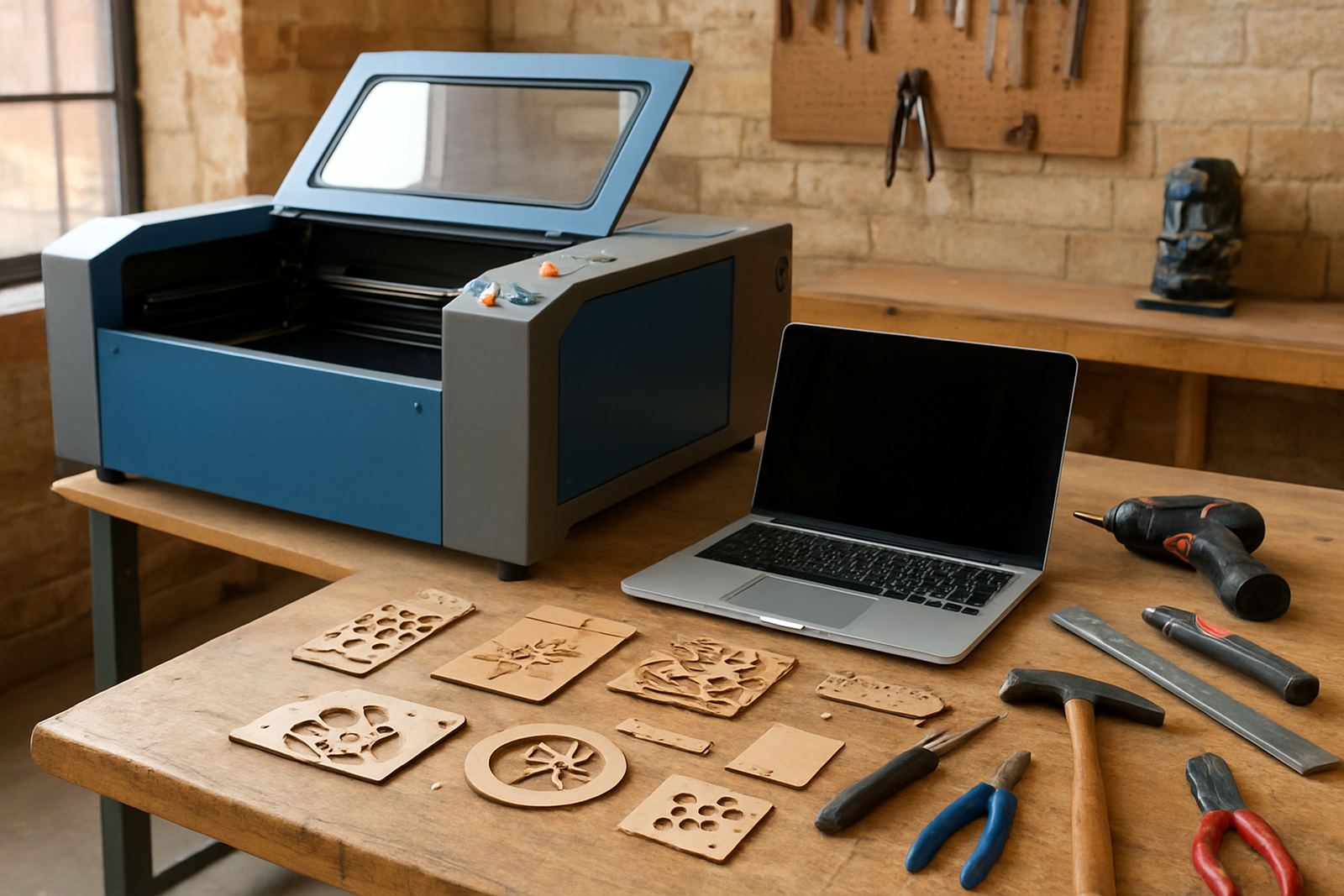
The Maker Workshop Laser is a CO2 laser cutting machine for users who want more control than manual cutting and more consistency than hand finishing. It is commonly used for acrylic signs, timber parts, leather goods, model making, packaging samples and personalised products. For many workshops it becomes the machine that takes a rough idea from drawing to cut parts in the same day.
It is a good fit where there are short runs, changing jobs and a need to test materials without wasting stock. If you are making products in Wynberg, Sandton, Pretoria, Midrand or further afield, the machine can be configured around your space and your power supply, with support for install and operator training nationwide. The aim is simple: clean edges, repeatable cuts and less time sanding or reworking parts.
Sizes and options for different workshop volumes
We set this unit up in a range of working areas so it can suit home makers, studio spaces and light production floors. The right size depends on the sheet sizes you use, how much material you want to process per day and whether you need room for nesting larger parts. A compact bed is easier to place in a smaller room, while a larger bed helps when you are cutting signage, panels or batch jobs.
Typical options can include a 900 x 600 mm work area for smaller jobs, 1300 x 900 mm for mixed production, and larger formats for sheet work. Power, extraction and cooling needs are matched to the machine chosen. If you work with acrylic, ply, leather or coated board, ask for the option that best suits your typical sheet size rather than only the biggest table available.
- Smaller bed sizes suit samples, labels, décor and craft production
- Mid-size beds suit side-hustle output and recurring small orders
- Larger beds reduce offcuts on full sheet work and sign blanks
- Optional accessories can include rotary support for cylindrical items
Where the Maker Workshop Laser earns its keep
This machine works well in sign shops, maker spaces, schools, product studios, furniture workshops and small manufacturing setups. It is especially useful where a business needs a flexible cutter for acrylic nameplates one day and timber parts or leather components the next. That kind of changeover is common in South African workshops, especially when space is tight and orders move around with season and demand.
It also suits municipal and commercial work where precision matters, like stencil sets, display parts, display boxes, custom inserts and interior detailing. In coastal towns humidity can affect stored materials, so a laser helps keep cutting accurate without the drag you get from dull blades or warped templates. For businesses near Johannesburg or the coast, the better you manage storage and extraction, the more consistent the results.
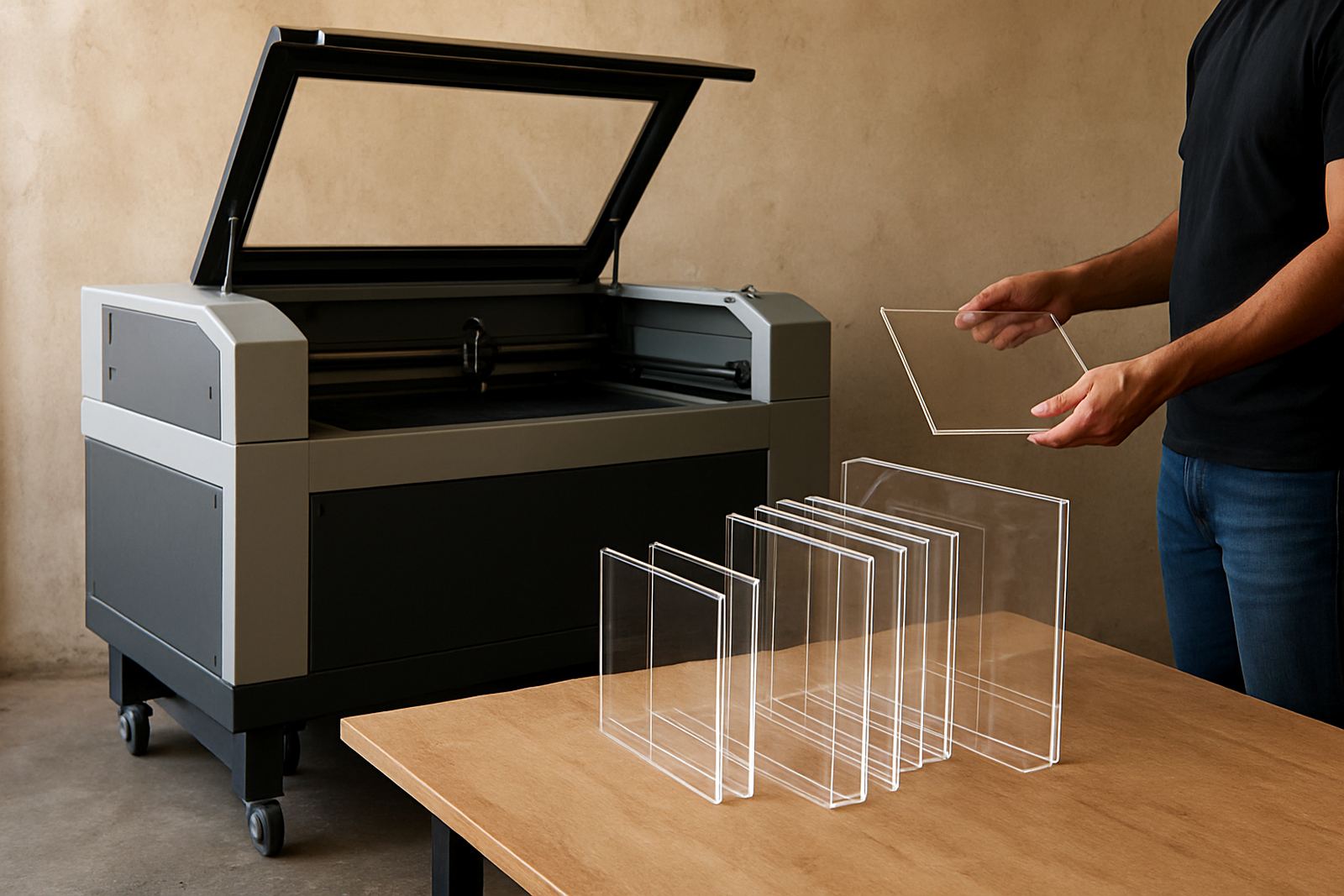
- Acrylic signs and face plates
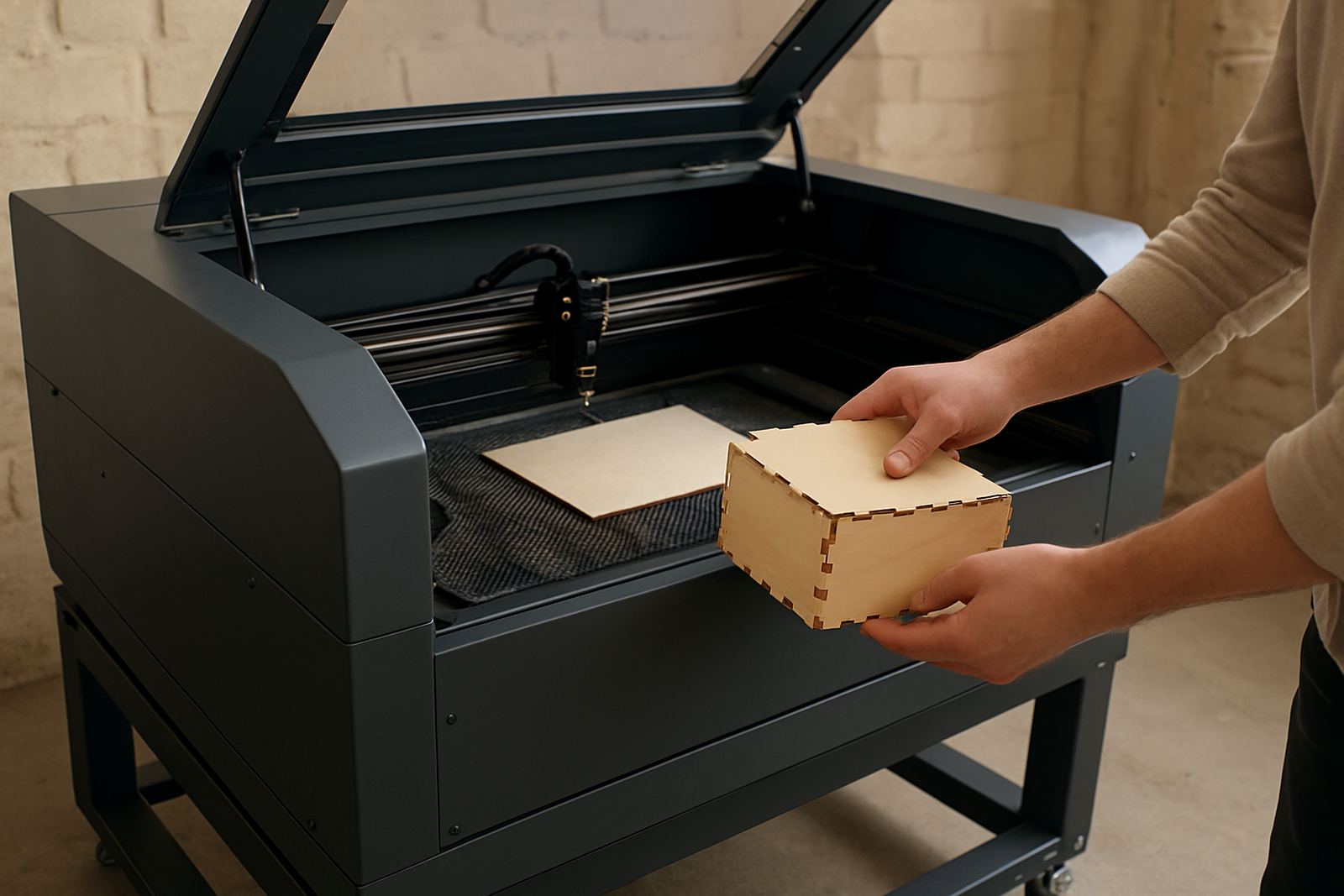
- Timber blanks, inserts and decorative panels
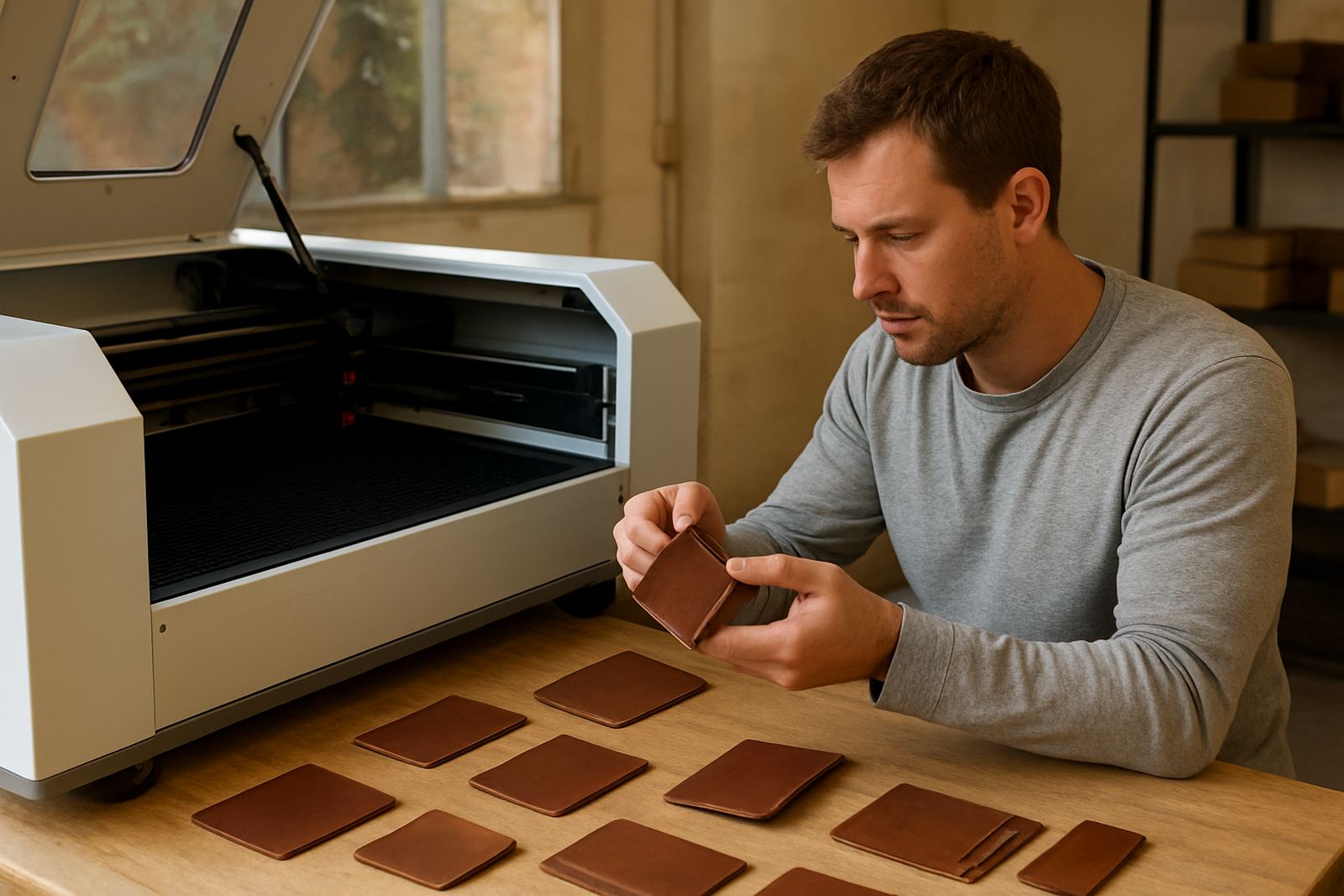
- Leather tags, straps and small fashion parts
- Prototypes, jigs and one-off product testing
Installation, power and extraction requirements
We install the machine on site and help with setup, alignment and operator handover. Before delivery, it is worth checking room access, floor space, extractor routing and whether the machine will sit near other equipment that creates dust or vibration. In many workshops a clear path for material loading is just as important as the footprint itself.
Power needs depend on the model and the cooling system, but most users should plan for a stable electrical supply and protection against load-shedding. A dedicated circuit is strongly recommended, and some sites also use backup power for computers, extractors and cooling. Laser work also needs proper extraction, because acrylic fumes, wood smoke and leather dust are not something you want hanging around the room. If your site has municipal or estate rules on ventilation and noise, check those before final placement.
- Allow enough space for the machine, extractor and cooling unit
- Plan for stable mains power and surge protection
- Make sure the extraction route is short and well sealed
- Check access for delivery doors, ramps and stairwells
Care, servicing and keeping cuts consistent
Like any precision machine, this unit works best when lenses, mirrors and rails are kept clean and the cooling system is watched closely. Optics cleaning, beam alignment and cooling checks should be part of normal workshop routine, not only done when the cut starts going off. If you leave residue build-up too long, you will see it in edge quality and cutting speed.
We offer preventive maintenance, breakdown response, remote support and annual service plans for workshops that depend on output. In busy use, it is also worth scheduling extraction service and spare parts checks so you are not stopped by a blocked hose or worn consumable at the wrong time. Simple care saves money, and it also keeps the machine safer for the operator, especially when a workshop is running under pressure. A quick clean after a long shift can prevent a bigger repair later.
- Clean optics and check alignment on a planned schedule
- Keep the chiller or cooling system within safe temperature range
- Inspect belts, rails and extraction flow regularly
- Use the right material settings for each job instead of guessing
Points to check before you place your order
Start with the materials you cut most often and the sizes you need to process. Then check the bed size, laser power, extraction requirements and the floor space available at your site. If you are moving from hand cutting or a small hobby machine, think about whether your current workflow needs faster turnaround, less finishing, or the ability to test several materials without changing equipment.
It is also worth checking who will use the machine and how quickly they need to learn it. Our training coordinator can help with operator training so your team knows the basic settings, safe handling and routine checks. If you are running from Wynberg, Sandton, Pretoria, Midrand or another area, ask about installation timing, relocation help and spares supply. That way the machine is matched to the work, not just the purchase price.
- Confirm the sheet sizes and job types you handle most often
- Check available power, ventilation and cooling capacity
- Allow for training time for the operator or workshop team
- Ask about servicing access and spare parts support after install
Specs and working details
The Maker Workshop Laser is specified for cutting and engraving work across common workshop materials. Final configuration depends on the size and output level chosen, but the core setup is aimed at steady day-to-day use and not just occasional hobby work. If you need sample cuts, we can arrange demo cuts in the Wynberg demo room or support you through a practical material test before purchase.
For many users, the best way to specify the machine is to start with the material thickness, the job mix and the expected daily volume. That gives a far better result than choosing by power alone. If you are not sure which version will suit your shop, tell us what you cut, how many sheets you use and whether you need help with install or training. We can match the machine to the actual work, not the guesswork.
Key facts
| Technology | CO2 laser cutting and engraving |
|---|---|
| Materials | Acrylic, wood, leather and similar non-metal materials |
| Work area options | From compact workshop beds to larger sheet-handling formats |
| Typical uses | Prototyping, side-hustle production, signage, model making and custom parts |
| Support services | Installation, operator training, maintenance, alignment, remote support and spares supply |
| Site needs | Stable power, extraction, cooling and enough floor space for safe operation |