Built for supervised learning spaces
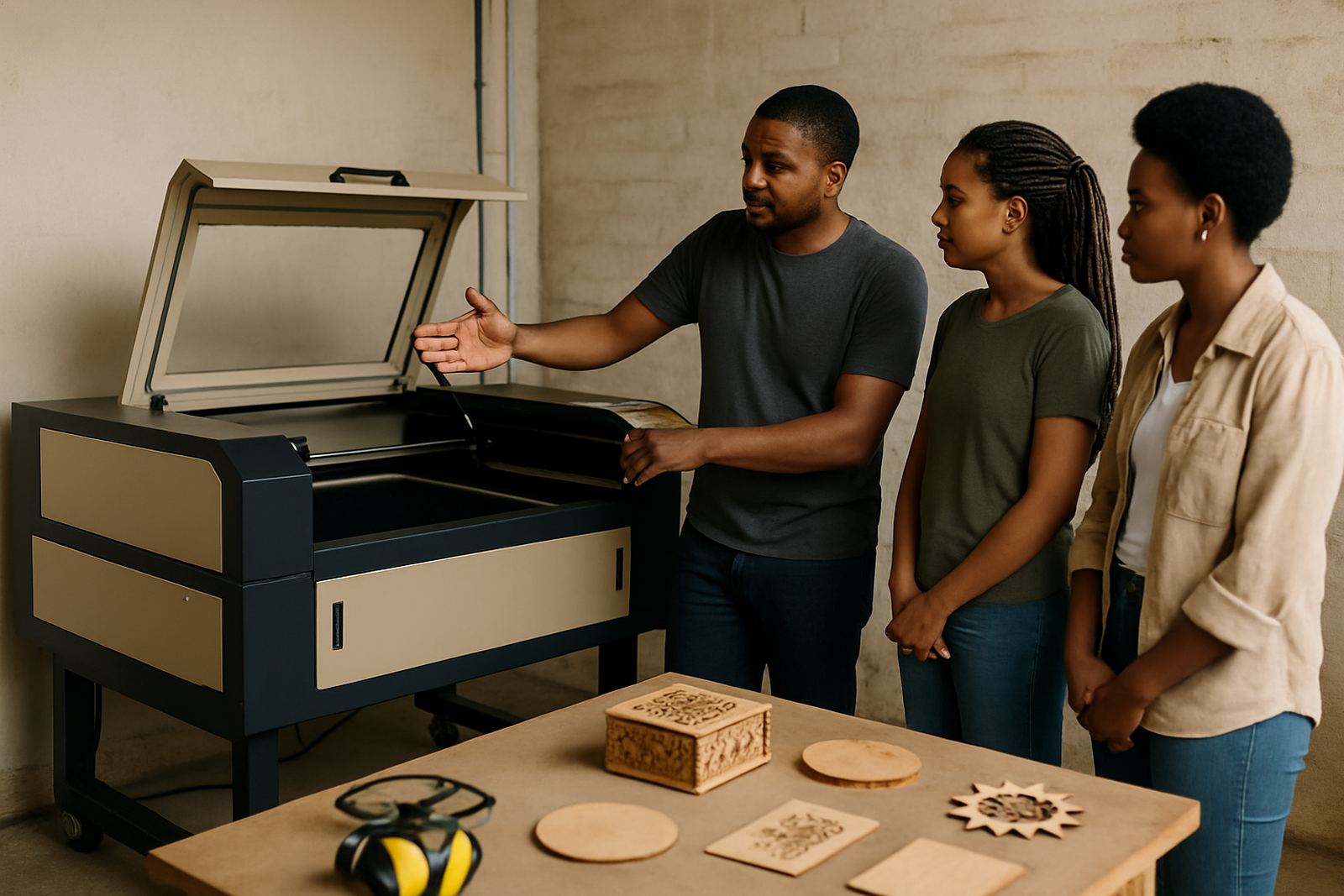
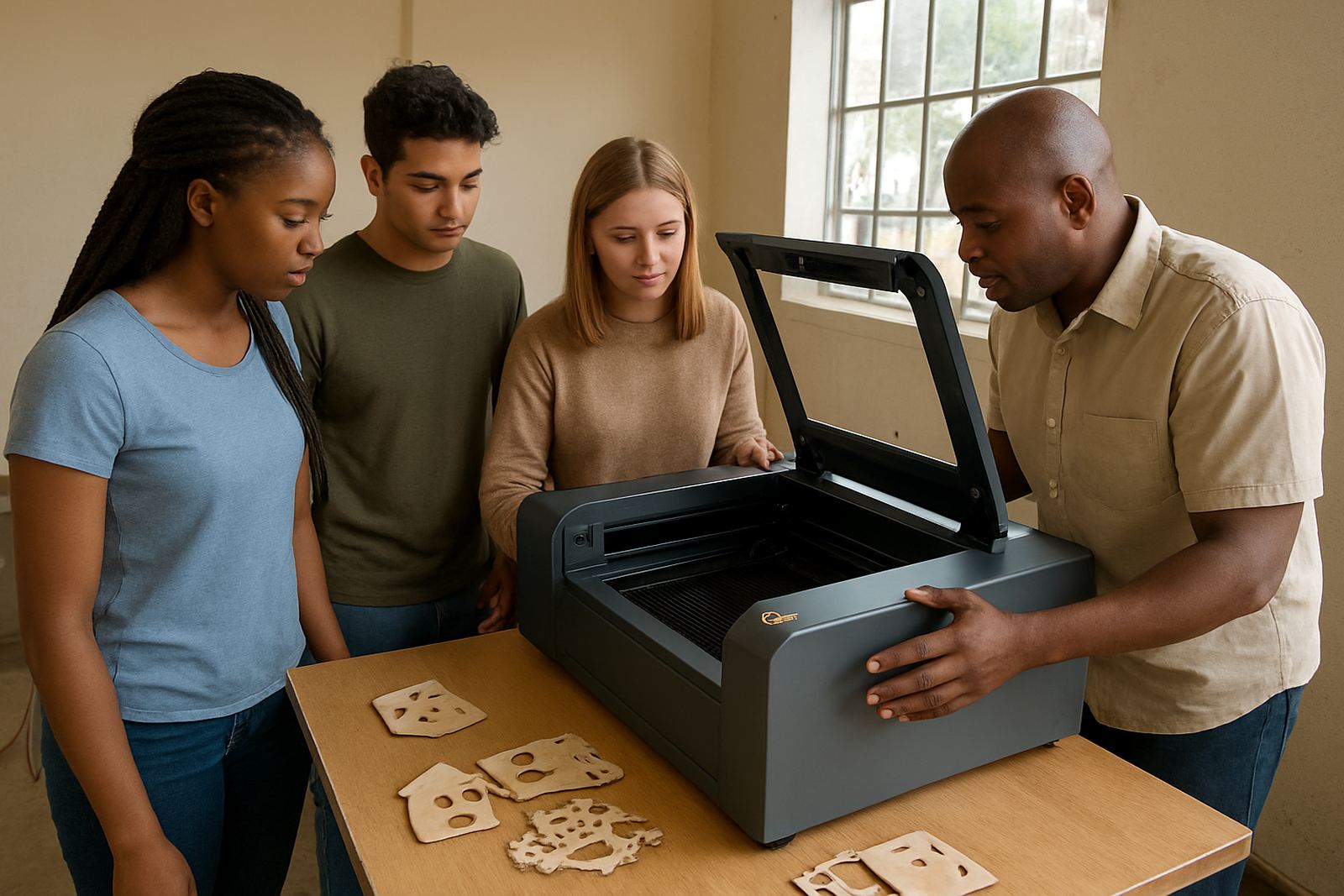
This unit is suited to schools, technical colleges, design studios and maker spaces that need a dependable cutter for project based learning. It handles lesson work, prototypes, signage, models and basic production tasks without taking up a large floor area. For teachers and facilitators, it gives a clear demonstration tool for showing CAD output, material settings and finish quality in a way learners can see quickly.
It is intended for supervised use only, with controlled access and proper extraction in place. The focus is on practical learning, so learners can work through setup, nesting, cutting order and finish checks while the operator keeps control over the machine. That helps with consistency, and it also keeps materials use predictable when budgets are tight.
Sizes and options for different class sizes
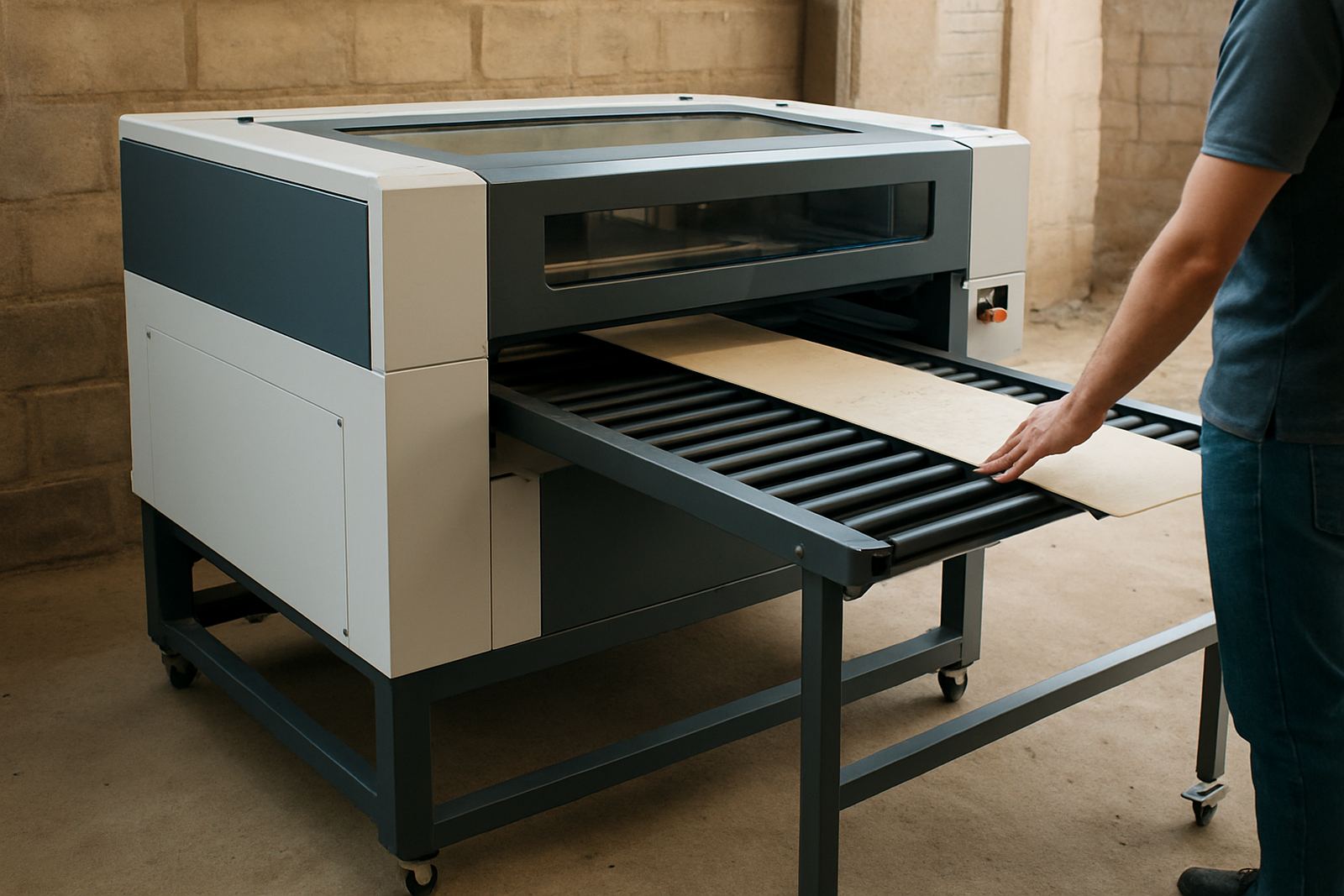
School workshops vary from a small prep room in a private school to a larger technical workshop with multiple classes rotating through. The machine can be supplied in different bed sizes to match your space and the size of work you need to produce. Smaller beds suit badges, keyrings, labels and test pieces, while larger beds are better for signage, panels and grouped learner work.
- Working area options for compact classrooms and larger makerspaces
- Choice of laser power to suit thin material through to thicker acrylic and wood
- Options for air assist, water cooling and fume extraction integration
- Suitable for vector cutting and raster engraving on approved materials
If your school needs to move between classrooms, or share one unit across departments, we can help choose a size that matches door widths, lift access and the available bench or floor space. In Johannesburg, Pretoria and surrounding areas, that often matters when the machine has to fit into an existing workshop without major alterations.
What it cuts in a makerspace setting
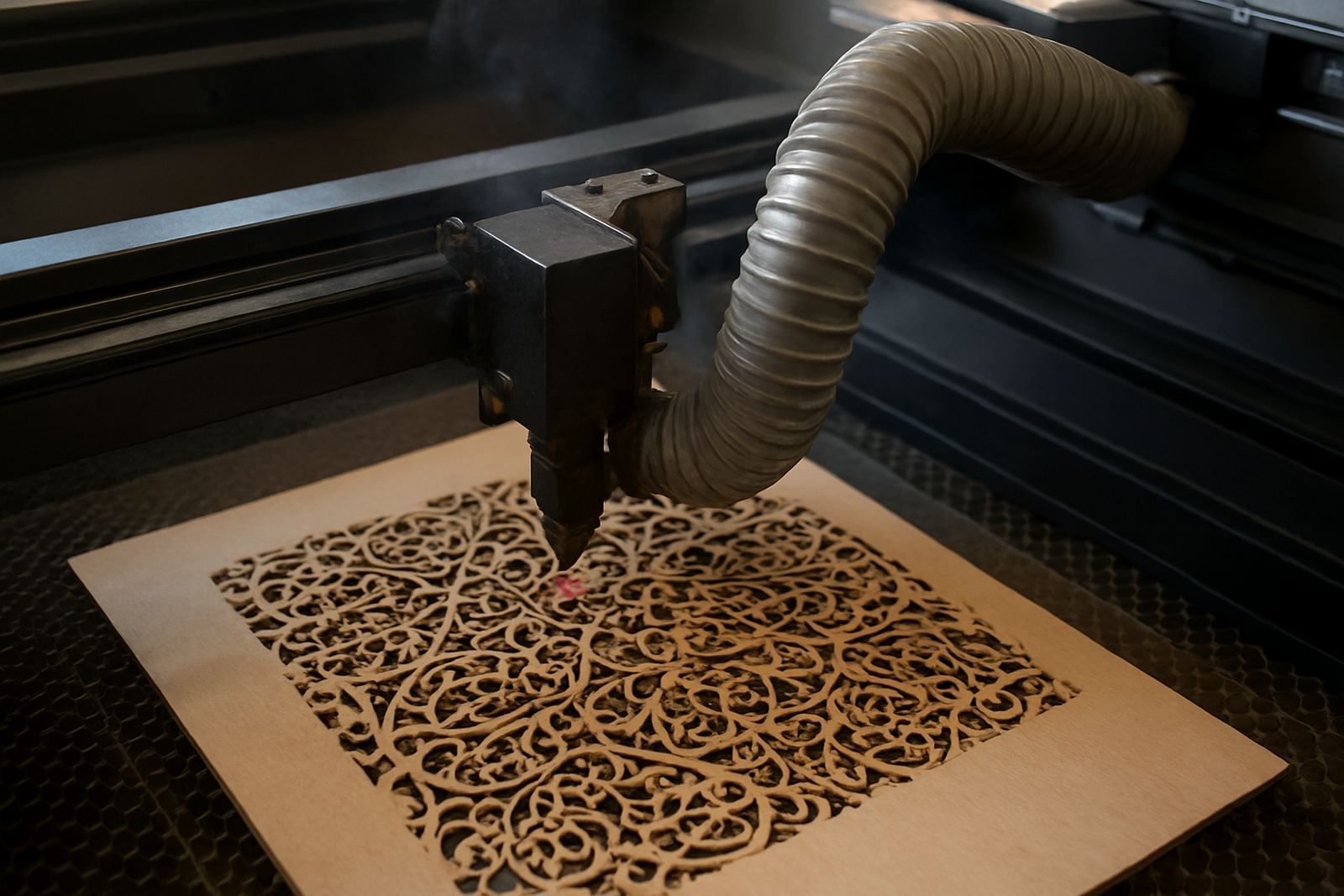
This CO2 laser is suited to common education materials such as acrylic, plywood, MDF, card, paper and leather. Learners can produce layered models, signage, stencil work, layout pieces, packaging samples and display components. The cut quality is clean and tidy, which helps with projects that need good presentation for marks, exhibitions or open days.
It is also useful for repeat learning tasks. Once settings are confirmed for a given material thickness, staff can keep those settings for future classes and reduce trial and error. That saves time and material, especially when multiple groups are using the same stock.
- Acrylic for displays, stands, covers and lettering
- Wood and MDF for models, jigs and learning aids
- Leather for craft items and product samples
- Card and paper for templates, mock ups and packaging studies
Installation, power and extraction needs
Installation starts with checking the room layout, access route and power supply. Most school sites need a dedicated electrical circuit, stable earthing and a proper place for the extractor and chiller or cooling system. In areas where load shedding is part of daily planning, a backup power plan is worth discussing early so the machine is not left mid job during a cut.
The machine should be installed in a dry, well ventilated room with enough space around it for loading sheets, maintenance and safe operator movement. Extraction is important because cutting acrylic, wood and leather creates fumes and fine particles. Good airflow also helps with lens life and keeps the workshop more comfortable for staff and learners.
- Dedicated power supply with correct protection and earthing
- Fume extraction to suit the material being used
- Water cooling or chiller setup where required
- Clear space for sheet handling, cleaning and service access
Care, servicing and day to day use
Good results depend on routine care. Optics need cleaning, beam alignment should be checked, and the cooling system needs attention so the tube stays within safe temperature range. Dust build up is a common issue in school workshops, especially when wood is cut often, so regular cleaning helps avoid smoke marks and uneven edges.
We offer preventive maintenance, breakdown response, remote support and annual service plans for sites that want scheduled support. That is useful for schools that run busy terms and cannot afford long downtime. In coastal areas, humidity can affect storage and electronics, so keeping the room dry and the lens path clean is especially important.
Staff should also keep a simple log of operating hours, materials used and any faults noted by learners. That makes it easier to track wear and spot a problem before it becomes a bigger repair.
Points to check before you place your order
Before ordering, it helps to confirm the kind of work the school wants to do, the number of learners who will use the machine, and how often it will run each week. A machine for a small art room has different needs from one in a busy technology centre. It is also worth checking where the extractor will vent, who will supervise use, and whether the workshop has enough bench or floor space for loading full sheets.
- Typical materials and thicknesses you plan to cut
- Expected class size and weekly machine hours
- Available power, cooling and extraction space
- Room access, security and supervision arrangements
- Whether you need installation, training and ongoing servicing
If the unit has to move between sites, ask about relocation help and operator training at your location. We support schools and training spaces nationwide, with demo cuts, installation and handover support available from Wynberg, Johannesburg and surrounding service areas.
Key facts
| Machine type | CO2 laser cutter for supervised education and makerspace use |
|---|---|
| Materials | Acrylic, wood, MDF, card, paper and leather |
| Use mode | Vector cutting and raster engraving |
| Working area | Available in compact and larger bed sizes |
| Support needs | Electrical supply, extraction and water cooling or chiller |
| Service support | Installation, operator training, maintenance and breakdown response |