
Start With the Room, Not the Machine
Before switching on the laser, look at the room around it. A clean, dry workspace makes a real difference to cut quality and machine life. Dust, offcuts and loose packaging can get into rails, fans and optics housings. In Wynberg or any other busy workshop, it is often the small things on the floor that cause the big problems later.
Check that the machine has enough clearance on all sides, that the extraction path is open, and that the area is free from flammable waste. If the workshop was shut overnight, look for signs of damp, especially in coastal areas like Durban or Cape Town where humidity can affect paper, timber and even storage for spare lenses. A quick room check also helps you spot issues like leaking water lines, blocked vents or a tripped breaker before the day gets going.
- Clear scraps, packing tape and loose tools from the working area.
- Check that extraction ducts are not kinked, crushed or blocked.
- Look for damp patches, dust build-up or anything that could catch fire.
- Confirm the machine has proper space for airflow and safe access.
Inspect Water, Cooling and Power Before the First Job
CO2 laser systems depend on stable cooling and steady power. If the chiller or water circulation is not right, the tube and optics can take damage quickly. That is why the first checks should always include water level, water flow and temperature. In summer, especially in Gauteng, cooling water can warm up faster than expected, so it pays to verify the setup before running a full day of production.
Power is just as important. After load-shedding or a power dip, some machines restart fine but still carry hidden problems. Check the power supply, confirm the emergency stop is clear, and make sure any surge protection or backup arrangements are in place. If the machine has been off overnight, let the system settle properly before starting a long production run. Rushing this step can lead to misfires, weak engraving and odd behaviour that is hard to trace later.
- Confirm water level, flow and temperature are within normal operating range.
- Check for leaks in hoses, fittings and cooling connections.
- Inspect the power inlet, plugs and any visible signs of heat damage.
- Reset safely after outages, then test with a short run before full production.
Give Optics and Beam Path a Quick Visual Check
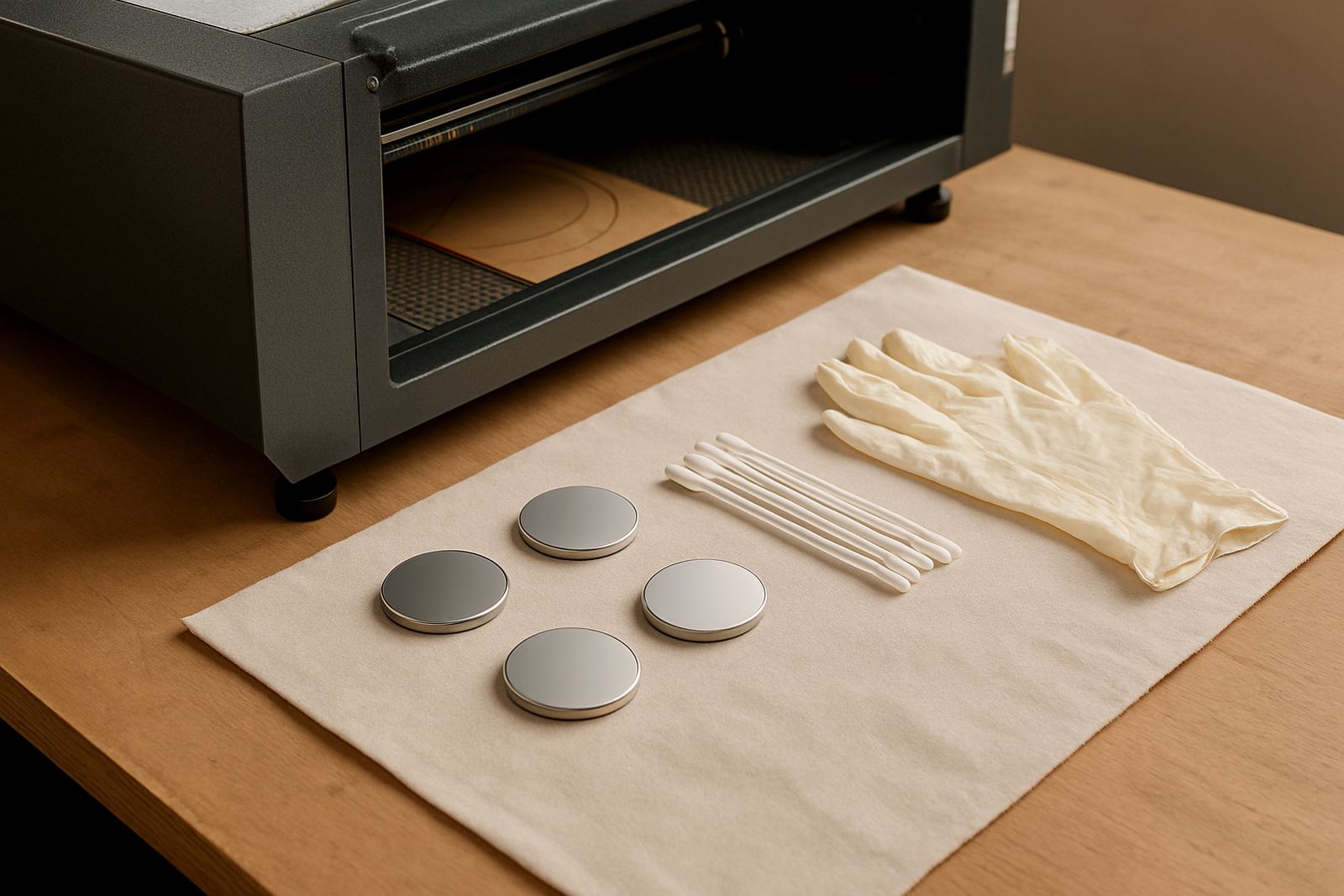
Daily startup should include a careful visual check of lenses, mirrors and the beam path. You do not need to strip the machine down every morning, but you do need to look for dust, smoke residue or marks that could affect focus. Clean optics are essential when cutting acrylic, wood or leather, because even a small contamination can cause rough edges or inconsistent depth.
Open the access points that are meant for routine inspection and look at the optics under good light. If something looks cloudy, burnt or speckled, stop and deal with it properly instead of hoping it will run itself clean. Beam alignment should also be checked according to the machine's normal service routine, especially after a move, a heavy knock or a recent service. A machine can sound normal and still be slightly off, which is why the cut quality on the first test piece matters so much.
- Inspect mirrors and lenses for smoke marks, haze or dust.
- Check that focus tools and holders are secure and clean.
- Look for any sign that the beam path has shifted after transport or cleaning.
- Run a small test cut and inspect the edge before starting full production.
Test Extraction and Air Assist Before Material Goes In
Good extraction protects the operator, the machine and the finish on the job. If smoke is not cleared properly, it settles on optics and workpieces, and that can spoil a clean edge. Air assist matters just as much. It helps keep the cut area clear, reduces flare-ups and improves finish on detailed work. A quick check in the morning can prevent a full day of sooty cuts and rework.
Listen to the extractor and feel the airflow at the correct points. If there is weak suction, unusual noise or a delay in response, deal with it before loading material. The same goes for air pressure. A blocked line or compressor issue can be the difference between a sharp, clean cut and a jagged edge that needs sanding. For craft studios and production shops alike, these checks are part of keeping output predictable, not just keeping the machine running.
- Switch on extraction and confirm strong, even airflow.
- Check ducts, filters and collection points for blockage.
- Verify air assist pressure and listen for leaks or hissing.
- Make sure smoke is leaving the machine, not hanging around the cutting area.
Run a Short Test Before the First Production Sheet
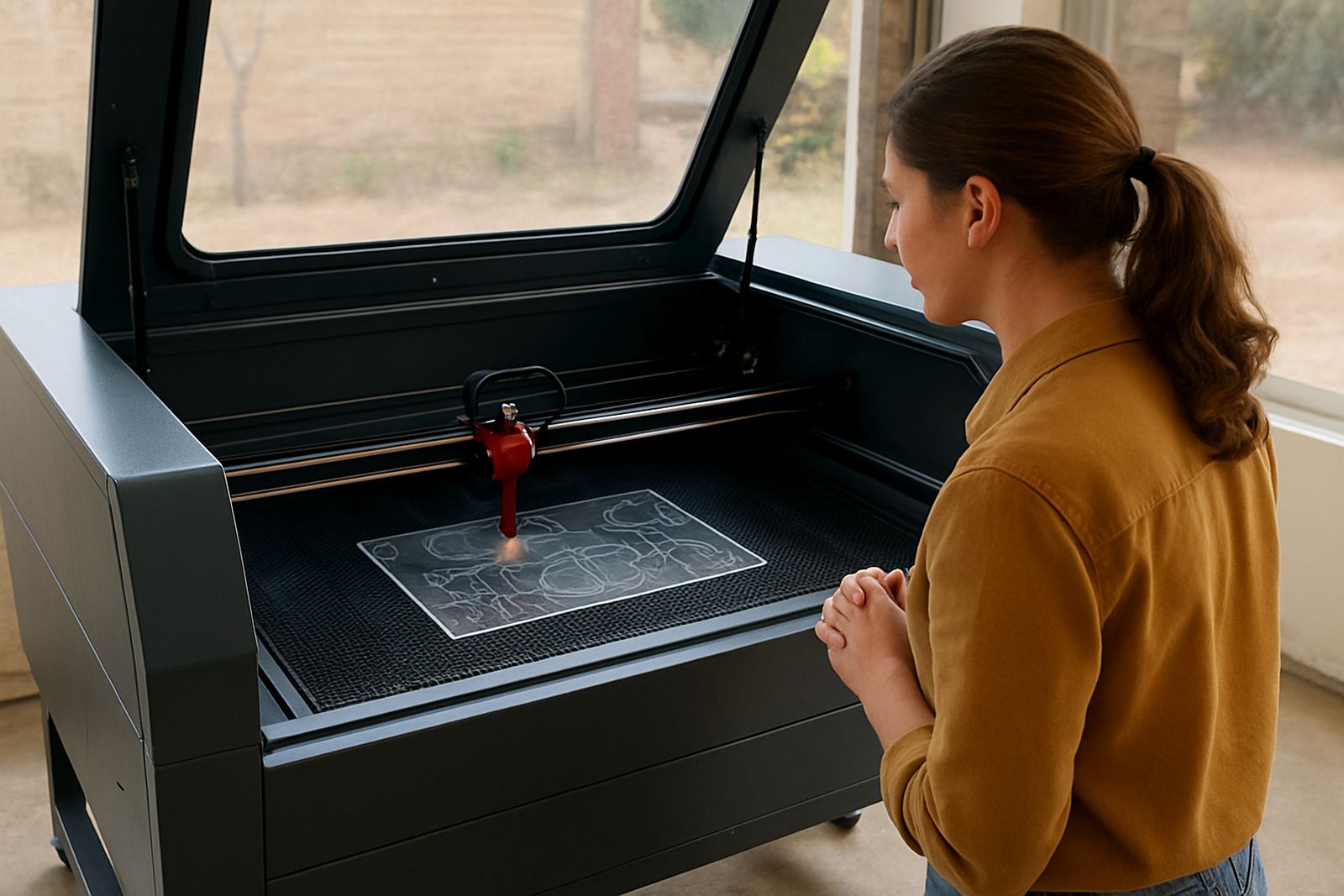
Never start a full batch without a quick test. A small sample cut tells you whether the machine is focusing correctly, whether the power and speed settings are still right, and whether the material is behaving as expected. This is especially useful when changing between acrylic, timber and leather, since each one responds differently to heat and airflow. Even the same sheet type can vary from batch to batch.
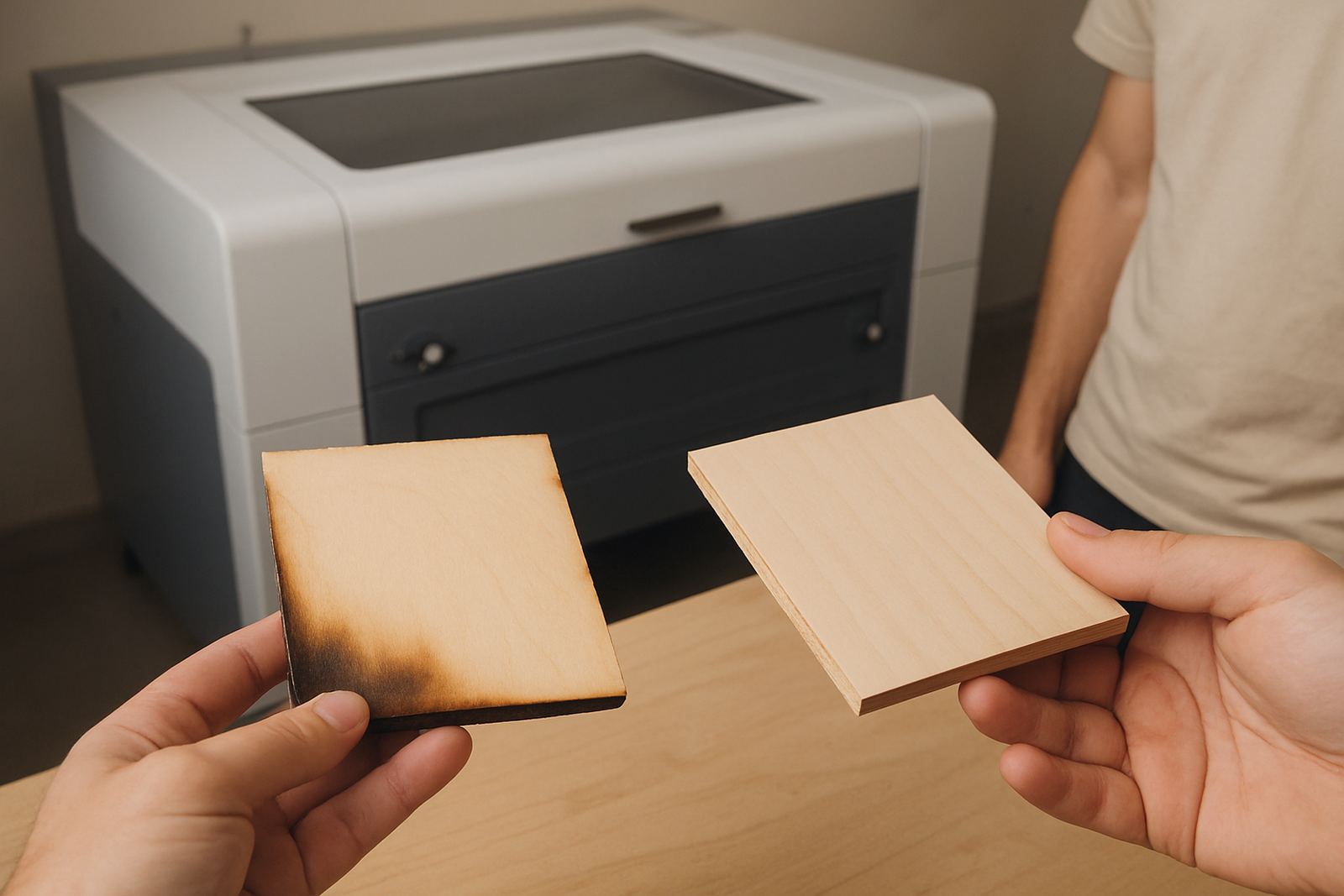
Use the test to check edge finish, kerf width and engraving clarity. If the result is too dark, too shallow or slightly out of focus, adjust before the real job begins. In Johannesburg workshops, the pressure to keep moving is always there, but a five minute check can save a whole roll of material. It also helps new operators learn what normal looks like on your own machine setup, which is far more useful than guessing once the queue is already backed up.
- Cut a small sample at the start of every shift.
- Check edge quality, depth, corner sharpness and any burn marks.
- Confirm the settings match the material and thickness on hand.
- Record any changes so the next operator starts from a known setup.
Keep a Daily Log So Small Problems Do Not Grow
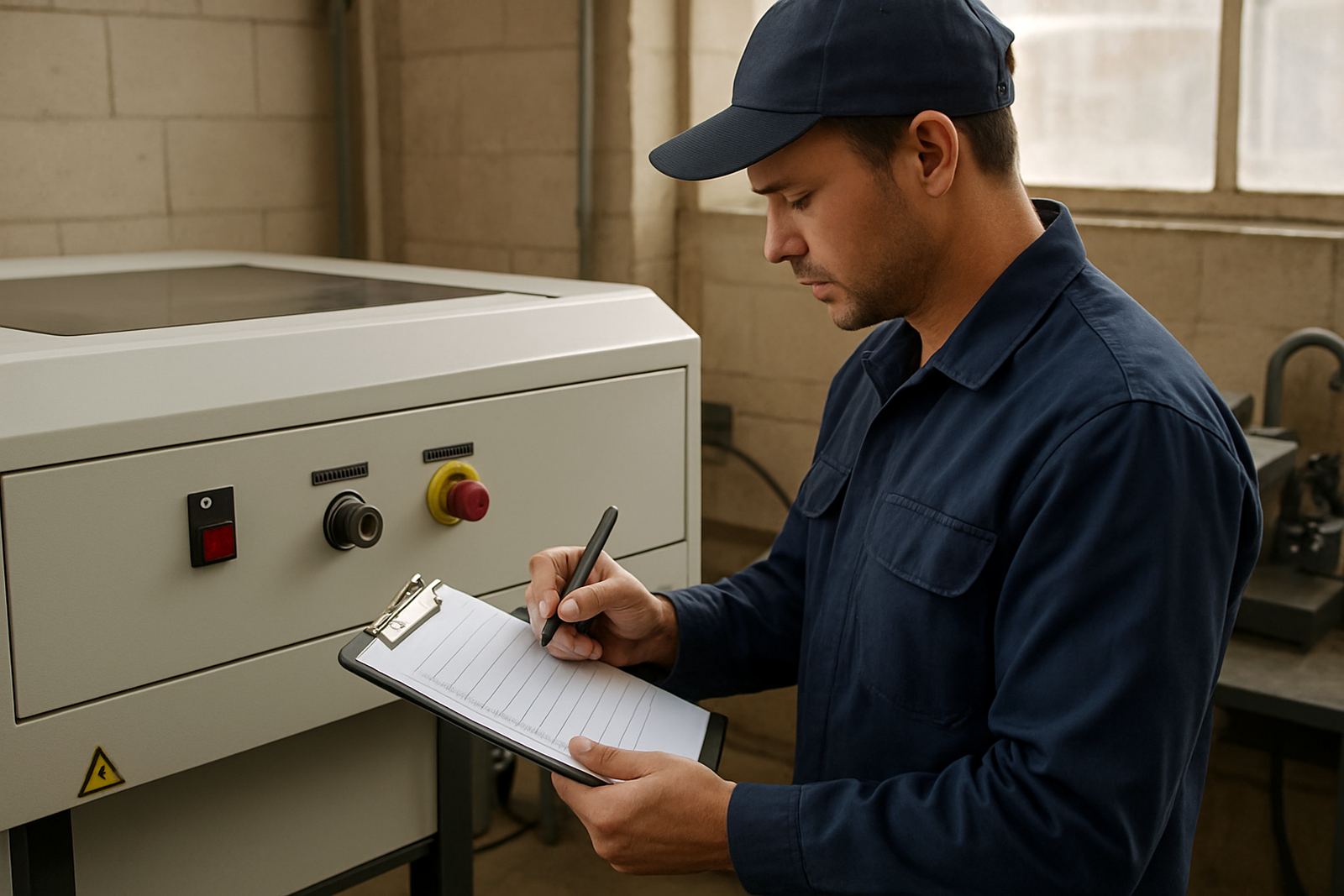
A proper startup routine works best when it is written down. A short log helps the team notice patterns, such as a lens that keeps fouling, a water line that runs warmer than usual, or a door switch that becomes temperamental after a power cut. When several people share the machine across shifts, a log keeps everyone on the same page and reduces the risk of someone assuming a fault was already reported.
That record does not need to be complicated. A few lines on the time, checks completed, test result and any unusual sounds or smells is enough. This makes it easier to plan maintenance, call for support early and avoid surprises during peak work. For shops in Midrand, Sandton or the East Rand handling custom orders, that habit can save deadlines. It also makes training much easier because new operators can see what the machine looked like on a normal day, not just when something has gone wrong.
- Note the date, operator name and any issues found at startup.
- Record water temperature, test cut result and extraction status.
- Flag anything unusual, even if the machine still runs.
- Use the log to guide preventive maintenance and service calls.
A Local Example: One Morning in Wynberg
A small workshop in Wynberg starts every morning with the same routine. The operator arrives after a winter power interruption, checks the cooling system, clears a little dust from the access area and runs a test on scrap acrylic before loading the real order. The first sample shows a slight focus issue, so the team adjusts it before the day begins. That one check prevents a batch of poor parts, a heated customer conversation and an unnecessary waste of stock.
That is the value of daily startup checks. They are not just about protecting the machine, they protect time, material and reputation too. Whether the job is for a maker in Pretoria, a signage shop on the West Rand or a custom craft order in Cape Town, the same principle applies. Start clean, test early and fix small issues before they become expensive ones.