
Why repeat jobs should run on a fixed process
Repeat work is where a laser shop can save real time, but only if the process stays consistent. When a client reorders the same acrylic sign, leather badge set or timber panel, the best result comes from using the same file naming, the same material notes and the same cut settings every time. That is what keeps production moving when orders stack up after month end or before a big trade show.
In a busy Johannesburg workshop, the real cost is not only cutting time. It is the time spent checking old notes, remeasuring sheets and fixing parts that no longer fit because someone changed a setting without recording it. A repeat job should feel familiar from the moment the order is opened. A small typo in the notes can cost a full sheet, so keep records neat and simple.
Build a job card that never leaves out the basics
A repeat order needs a short job card that includes the details that matter on the floor. Material type, sheet thickness, finish, cut direction, engraving depth and packing instructions should all be listed in one place. If the job uses a specific stencil size or mounting hole pattern, add that too. This avoids back and forth between sales, production and dispatch.
- Material description and thickness in millimetres
- Machine settings used on the last approved run
- Quantity, pack size and labelling notes
- Any jigs, clamps or masking used during cutting
- Client approval date and sample reference
For shops handling work across Wynberg, Sandton and Midrand, that one page can save a lot of calls. It also helps when different staff members cover shifts during load-shedding or when a machine is taken out for a service check. A good job card keeps the order moving even if the day gets disrupted.
Use jigs to cut setup time on familiar parts
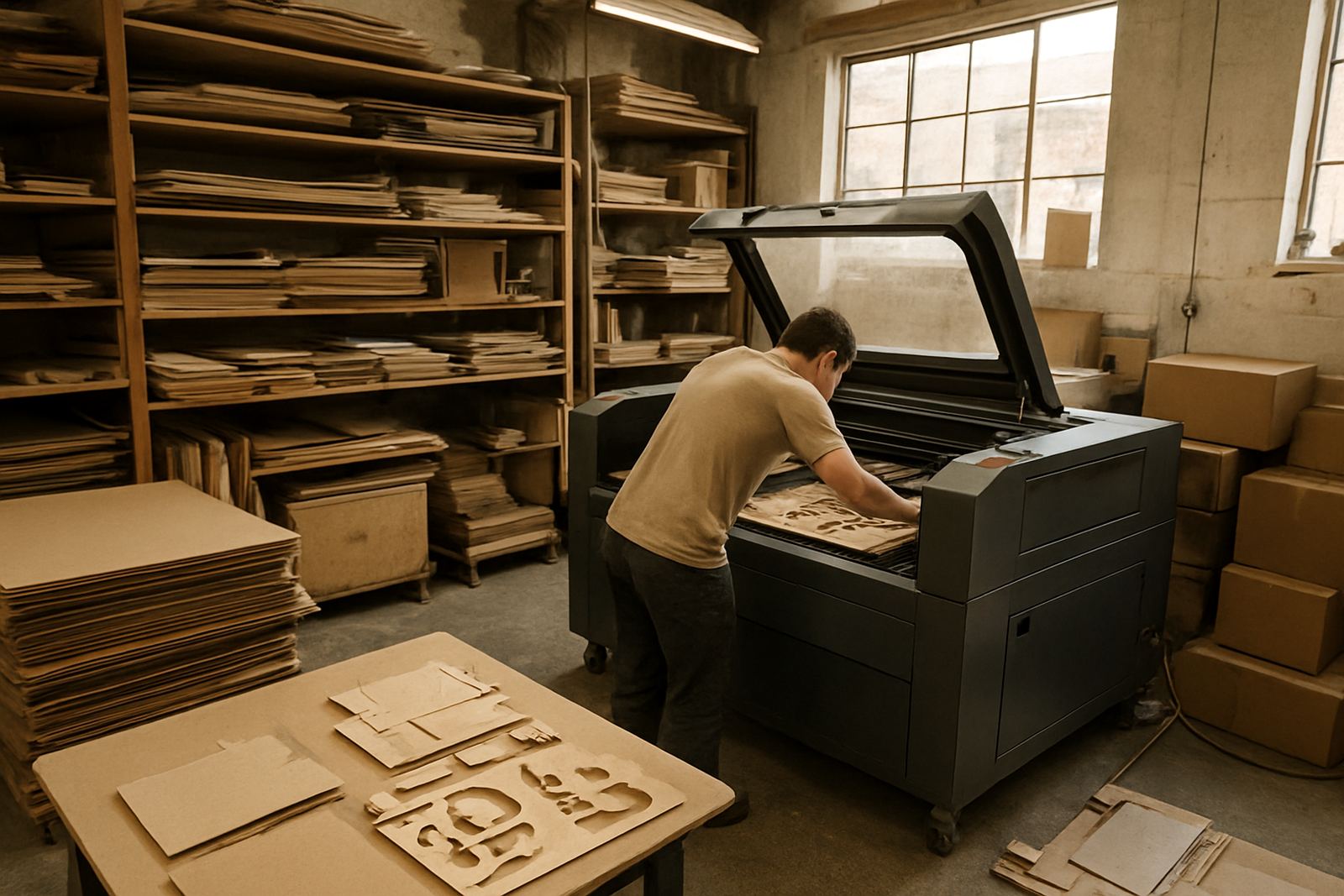
Jigs are one of the simplest ways to speed up repeat work. They hold the material in the same position every time, so the first part and the fiftieth part match. For acrylic badges, leather straps, small branding plates or wooden components with mounting holes, a well-made jig reduces setup time and helps the operator place the sheet quickly and accurately.
In practice, a jig should be easy to clean, easy to store and marked clearly. If it needs to be clamped down, note the clamp points so the operator does not waste time testing positions. For high-volume reorders, even a basic locating frame can improve throughput and reduce scrap. It also makes training easier because new operators can follow the same method without guesswork.
- Mark the jig with the job name and material size
- Keep a note of the exact table position if the machine layout allows it
- Store jigs flat so they do not warp or crack
- Check fit before every production run, especially after relocation or maintenance
Save settings, but verify them before every run
Saved settings are useful, but they should never be trusted blindly. A repeat order from six months ago may have been done on a different sheet batch, with different humidity or with optics that were cleaner at the time. The sensible approach is to keep the saved setting as a starting point, then confirm speed, power and focus on a small sample before running the full batch.
This matters even more for coastal clients in Durban or Cape Town, where moisture can affect certain materials and storage conditions. Wood and leather can behave differently from one delivery to the next, and acrylic sheets can carry protective film or slight bowing that changes the cut. A short test takes minutes, but it can prevent a lot of waste. It is better to spend five minutes now than remake ten pieces later.
Plan repeat work around shifts, power and dispatch
Repeat efficiency is not only about the machine. It is also about timing. If you know a reorder always comes in on a Monday and must be ready by Wednesday, you can pre stage the material, check consumables and line up the operator before cutting starts. That makes the job smoother when power interruptions or municipal restrictions interrupt the day.
Many South African workshops now schedule repeat work around load-shedding windows, especially if they rely on extraction, cooling and compressor support. Keeping a clear run sheet helps the team know which jobs can be cut in one block and which need to wait. If the machine is due for a beam alignment or extraction service, do that before the repeat batch starts, not halfway through. A little planning saves a lot of scrambling, and the order goes out on time.
- Pre cut during the most reliable power window
- Stage finished parts in the same tray or rack every time
- Label packed orders by client, date and revision
- Check cooling, optics and extraction before long repeat runs
Keep feedback from the floor where it belongs
The people doing the cutting, cleaning and packing often spot repeat problems first. Maybe a certain acrylic thickness edges too hot, or a leather pattern needs a slower corner speed. That feedback should be written into the job record, not kept in someone’s head. When the next reorder arrives, those notes make the run faster and cleaner.
At our Wynberg base in Johannesburg, repeat jobs often improve after one or two small corrections. A client may return for the same display parts every quarter, but the second batch usually runs better because the original sample notes were tightened up. The key is to treat each repeat as a chance to refine the process. Once the work is stable, the output becomes more predictable and the turnaround gets shorter. That is what clients notice, even if they never see the steps behind it.
A Johannesburg example: faster reorders without extra stress
A retail supplier in Wynberg was sending in the same set of acrylic display parts every few weeks. The order was not huge, but it kept interrupting other work because each run started with fresh setup. After the first few batches, the team standardised the file name, saved the cut settings, marked a jig for the sheet size and added a simple inspection checklist. The next reorder moved through the workshop much faster, with fewer offcuts and less checking.
That kind of improvement is practical, not fancy. It does not need a new system or a bigger team. It just needs the work to be recorded properly and repeated the same way each time. For many South African businesses, that is the difference between a job that feels like a problem and one that slots neatly into the production day.