
Why a tidy file library saves money on repeat work
Most laser shops do not lose time on the cutting itself, they lose it while hunting for the right file. A proper library means the latest version is easy to find, the job notes are attached, and the operator does not have to guess which artwork was approved. That matters when you are running small custom batches or larger repeat runs for signage, décor, packaging inserts, leather goods or maker projects.
When files are scattered across laptops, WhatsApp exports and random USB sticks, a simple reorder can turn into a half day of checking. With a clean library, you can load the job, confirm material thickness, and move straight to testing. In Johannesburg where many jobs are turned around quickly, that speed helps, especially when power interruptions or load shedding have already eaten into the day.
- Fewer revision mix ups
- Quicker quote to cut turnaround
- Less wasted material from wrong settings
- Easier handover between staff members
Build folders around job type, material and version
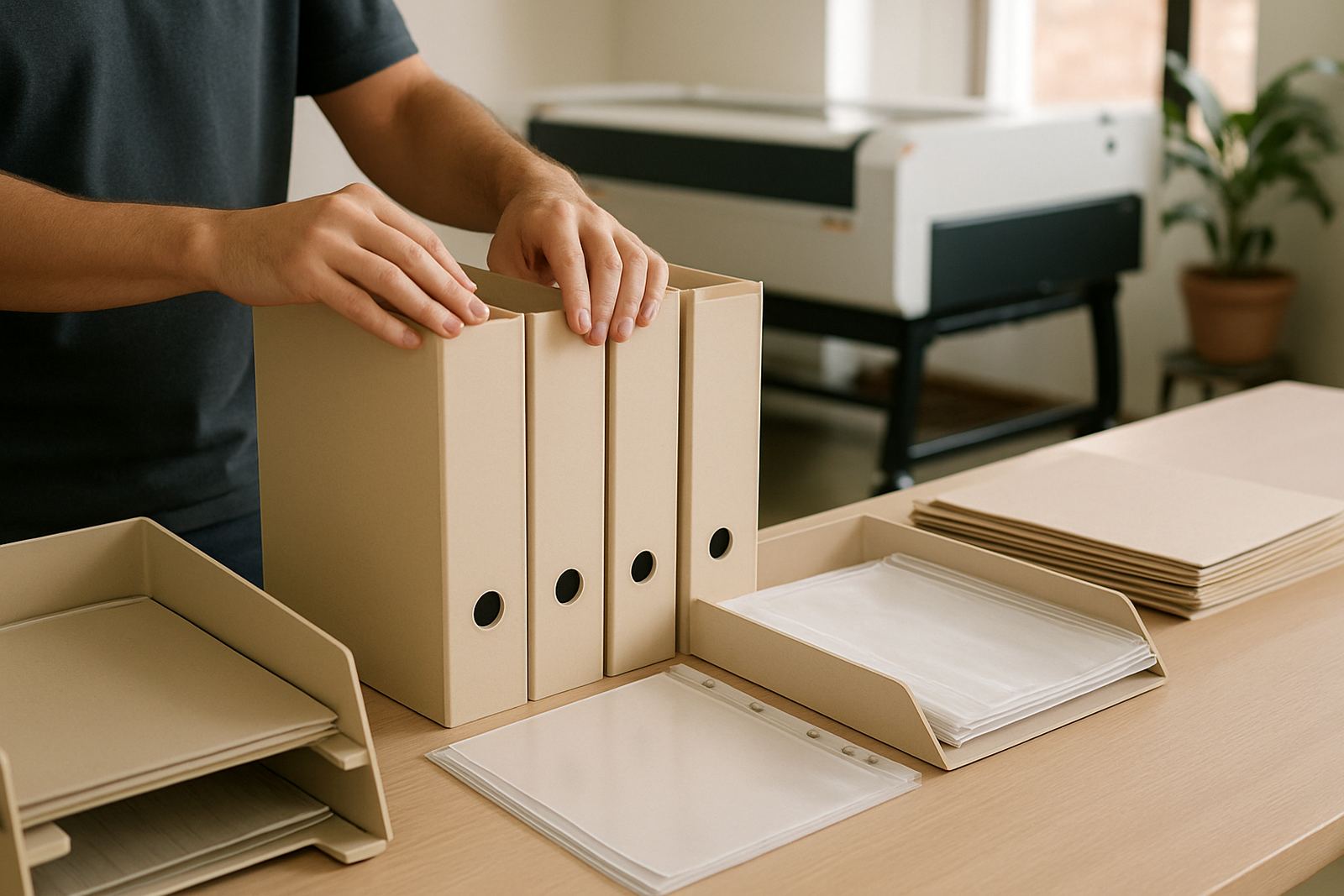
The easiest file structure is one that anyone on the team can understand after a quick look. Start with broad folders by job type, then break those down by material and version. For example, a folder path can show whether the file is for acrylic, birch ply, leather or stencil work, then add the client name, job number and date.
Do not rely on file names alone. A file called Final2 really does not help when three people have edited it. Add a simple naming rule that includes the product, size, thickness and revision, such as SignAcrylic_600x400_3mm_R02. That makes it easier to spot the correct version even when a team member is in a rush or working from a remote site.
- Use one master folder for approved files
- Keep a separate folder for test cuts and samples
- Store artwork, cut paths and notes together
- Save date stamped versions when a client asks for changes
Capture the settings that matter at the machine
For laser work, the file alone is not enough. The file library should also tell the operator what worked last time. That includes material thickness, focus height, speed, power, pass count and whether the job needed masking tape or a slower second pass. If the cut edge came out clean with no charring, say so. If the leather needed ventilation checked first, note that too.
This is especially useful for repeat customers. A small batch of acrylic key tags or wooden menu inserts may look simple, but if the operator knows the exact settings from the last run, the job starts faster and the result is more consistent. It also helps when there are multiple machines or when a machine has just had beam alignment, optics cleaning or a cooling check.
- Material type and thickness
- Power, speed and passes used
- Focus and bed setup
- Extraction notes and any smell or smoke issues
- Dry run or test cut outcome
Use previews, notes and approval records to prevent confusion
Good file management is not only about where the file lives, it is about what sits next to it. A thumbnail preview, a quick PDF proof and a short note from the client can prevent a lot of back and forth. If the customer approved a small logo change, keep that approval with the job file so nobody has to search through old messages later.
For local teams working across Wynberg, Sandton, Pretoria or further afield, this is very practical. A service technician or trainer may not be in the same room as the operator, so the file record must carry enough detail to answer common questions. That is important when a machine is being installed on site and the first sample cut needs to be confirmed before the rest of the batch is started.
- Keep a preview image for every job
- Store the signed off version with the approved date
- Add short notes for changes, special instructions or problem areas
- Attach photos of sample cuts where needed
Protect your library against power cuts, humidity and lost files
South African workshops have a few extra realities to plan for. Load shedding can interrupt a save in the middle of a file edit, and coastal humidity can affect paper notes and some stored materials. Keep the main file library backed up in more than one place, and avoid relying on a single laptop or one flash drive that travels in a pocket between jobs. A stable backup routine saves a lot of stress when a file needs to be recovered quickly.
For workshops near the coast, or where the space gets warm and dusty, keep backup drives sealed and stored off the floor. If files are used on different machines, make sure the naming system stays identical across all stations. Otherwise one operator may open an old version while another is cutting the latest one. That kind of mix up is avoidable with a bit of discipline, and a weekly check usually does the trick.
At our Wynberg base, we often see better results when customers pair file discipline with routine machine care. If the files are sorted, then operator training, breakdown response and annual service planning all become easier because the machine history is already in order.
A simple Johannesburg example that shows the benefit
A small signage and décor shop in Midrand was keeping acrylic, wood and leather jobs in different WhatsApp chats, with no central library. When a repeat order came in for a set of leather menu covers, the team spent nearly an hour checking which file had the correct corner radius. One version had a small change from the previous month, but nobody could tell which one was approved. After that, they moved to a single folder system with dated revisions and a notes file for each client.
The next repeat order was ready far faster. The operator opened the approved file, checked the previous cut settings, confirmed the material thickness and started the sample within minutes. That saved time on the day and reduced confusion for the client. It is a small change, but over a month it adds up, especially when the workshop is handling walk in jobs as well as production runs.
For a business that supplies laser cutting support nationwide, file order is not a luxury. It is part of keeping deliveries, installs and training on track. If your library is clean, your repeat work becomes easier to quote, easier to cut and easier to hand over.