What Remote Support Covers On CO2 Laser Machines
Remote support is best for problems that can be checked live while the machine is in front of your operator. It is useful when a cut is not passing through cleanly, engraving is too light, the machine is not starting as expected, or the operator needs help with speed, power, focus and layer setup. We also help with routine questions on bed height, airflow, assist gas, extraction and safe start-up after power interruptions. For customers in Johannesburg, Pretoria, Midrand, the East Rand and further afield, this service saves time and keeps production moving.
We work on the practical side of the machine, not guesswork. If your issue is linked to material choice, a poor focus setting, dirty optics, weak cooling or an extraction problem, we will talk you through the checks in order. If the machine has a fault that needs tools, parts or an on-site visit, we will say so early rather than keep you waiting on a fix that cannot be done remotely.
- Setting checks for power, speed and focus
- Minor fault diagnosis for start-up and cutting issues
- Operator questions on daily use and safe handling
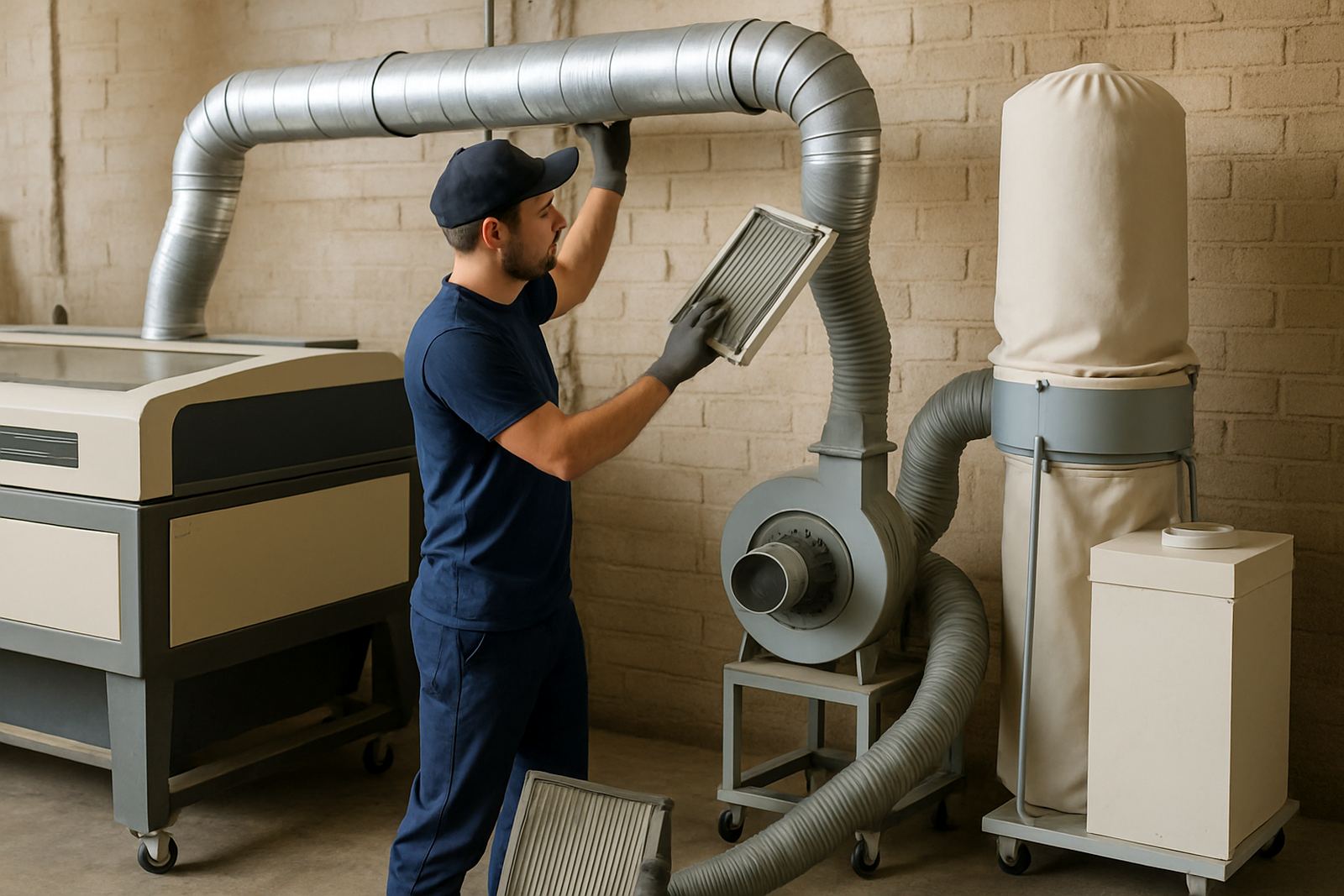
- Basic checks for cooling, extraction and air flow
- Support after load-shedding, trip-outs or sudden shutdowns
How The Remote Session Is Done
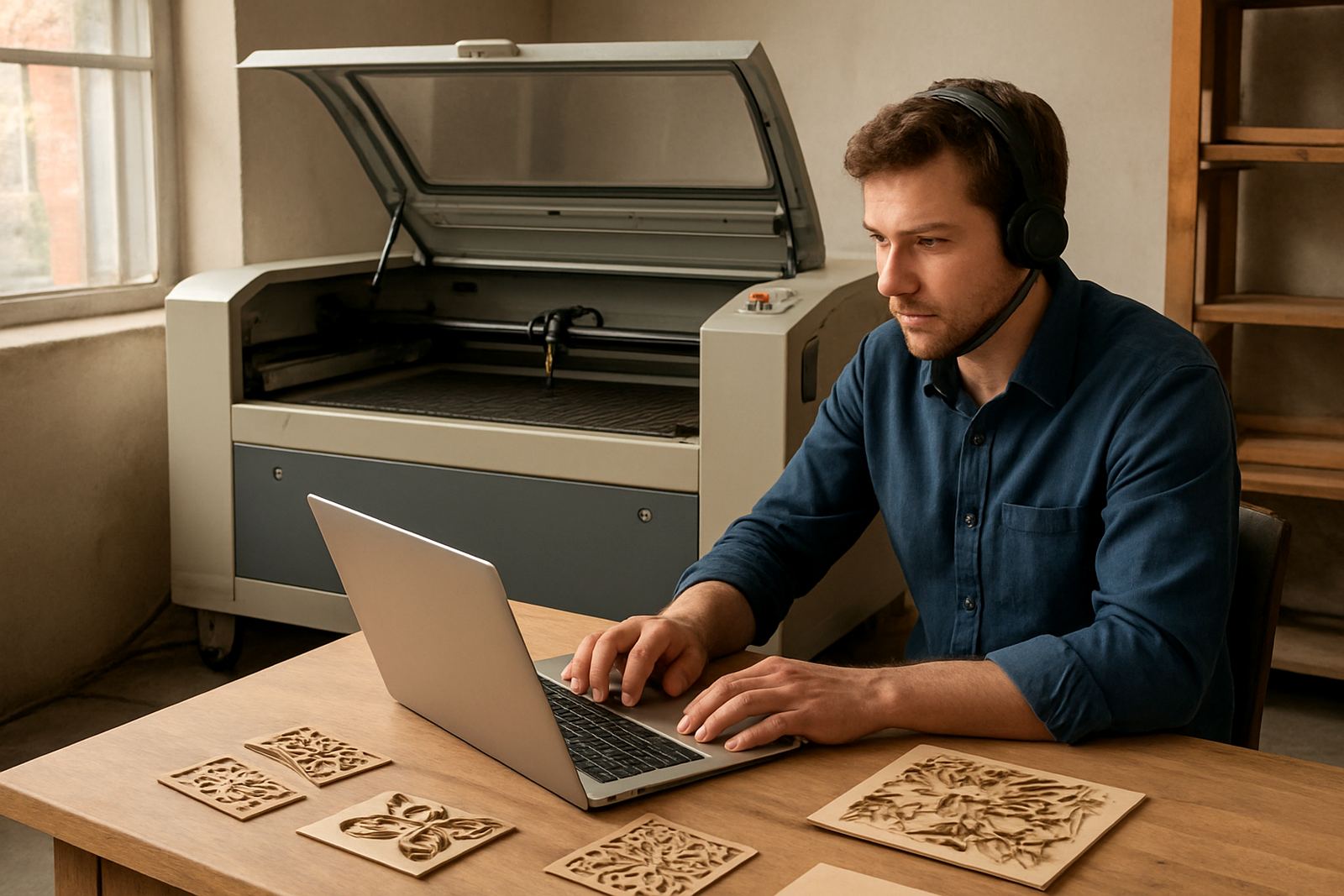
The process starts with a short enquiry through our contact form. We ask for the machine type, the material being used, the job you are trying to run and the exact symptom. It helps to send a photo of the control screen, the cut result, or the material sample if that is possible. Once the job is booked, we connect by phone and screen-guided support so the operator can follow each step while we stay on the line.
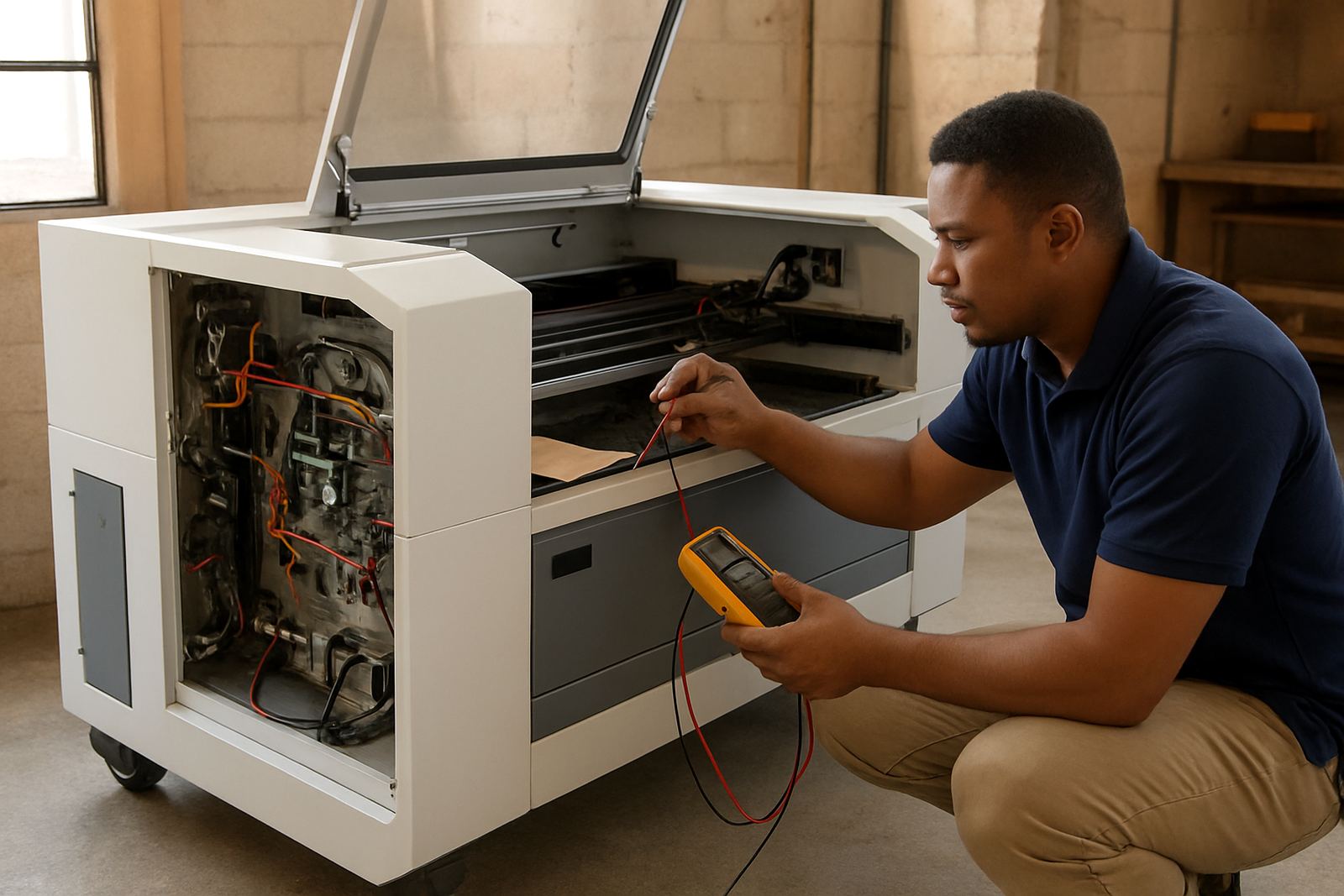
During the session, we work through the machine in a clear order. First we check safety, then the job file, then the machine settings and finally the likely hardware causes. That includes checking whether the tube is firing correctly, whether the mirrors and lens are dirty, and whether the water temperature or extraction is affecting the result. If your site is in Wynberg, Sandton, Pretoria, Durban or Cape Town, the process is the same. Distance does not change the method, only the logistics if a physical visit becomes necessary.
- Step 1: Send a short fault summary through the enquiry form
- Step 2: Share photos or video of the machine and problem area
- Step 3: Join a phone call while we guide the checks
- Step 4: Apply the confirmed setting change or corrective action
- Step 5: Escalate to maintenance or on-site service if needed
Typical Problems That Can Be Solved Remotely
Remote support is most effective when the machine is mechanically sound and the issue is mainly in setup, operation or maintenance. Many teams call us when a cut edge is cloudy, a logo is not engraving at the right depth, or the machine has started cutting slower than usual. In many cases the answer is a small adjustment, a cleaning step, or a simple operator correction. A lot of wasted material comes from settings drifting a little over time, especially when different people run the machine on different shifts.
We also assist with the practical side of using CO2 equipment in South African workshops, where power cuts, dust, coastal humidity and long production days all affect performance. If the unit is installed in a busy makerspace, signage shop or production floor, we can help your team stabilise the workflow and reduce repeat mistakes. If the machine has a water alarm, power issue or lens contamination, we can usually narrow it down quickly and tell you whether it is safe to continue or if it must be stopped.
- Uneven cutting depth or incomplete through-cuts
- Engraving that is too shallow or too dark
- Job file setup and layer setting errors
- Cooling alarms, extraction concerns and airflow issues
- Operator uncertainty after a power outage or restart
Cutting Enquiry And File Details
For remote support, please include clear information about the problem, the machine model, the material being used, the settings tried, and any photos or sample results that show the issue. Support requests are handled according to the information provided and whether the machine is switched on and the operator is available to test settings. More detailed fault checks may also require sample reviews, cut result comparisons, or a discussion of the machine history.
We try to respond in a way that suits production work, not office hours alone. If a workshop is in the middle of an order and needs to get through the next run, we focus on the quickest safe route to a usable setting. When the issue is outside remote scope, we will advise on the next step, whether that is a service booking, preventative maintenance, or a full machine inspection. That way you do not lose time chasing the wrong fix.
For customers on an annual service plan, remote support can be used alongside planned maintenance visits so small issues are handled before they become downtime. This is especially useful for shops running regular acrylic, ply or leather work where consistency matters every day.
Pricing Approach For Remote Assistance
Our pricing is based on the nature of the call, the time involved and whether the issue is a quick settings correction or a longer fault investigation. A simple operator question is priced differently from a full remote diagnosis with repeated test cuts and step-by-step checks. We keep the approach clear so you know what you are paying for before the session goes too far.
Where possible, we group related checks into one session rather than stretch the process over many calls. That is better for production planning and usually more cost-effective. If the issue turns out to need parts, optics cleaning, beam alignment or a site visit, we will quote that separately. Remote support is not a flat fix for every machine problem, but it is often the quickest and least expensive first step.
- Used for settings help, minor faults and operator coaching
- Quoted according to time, complexity and machine condition
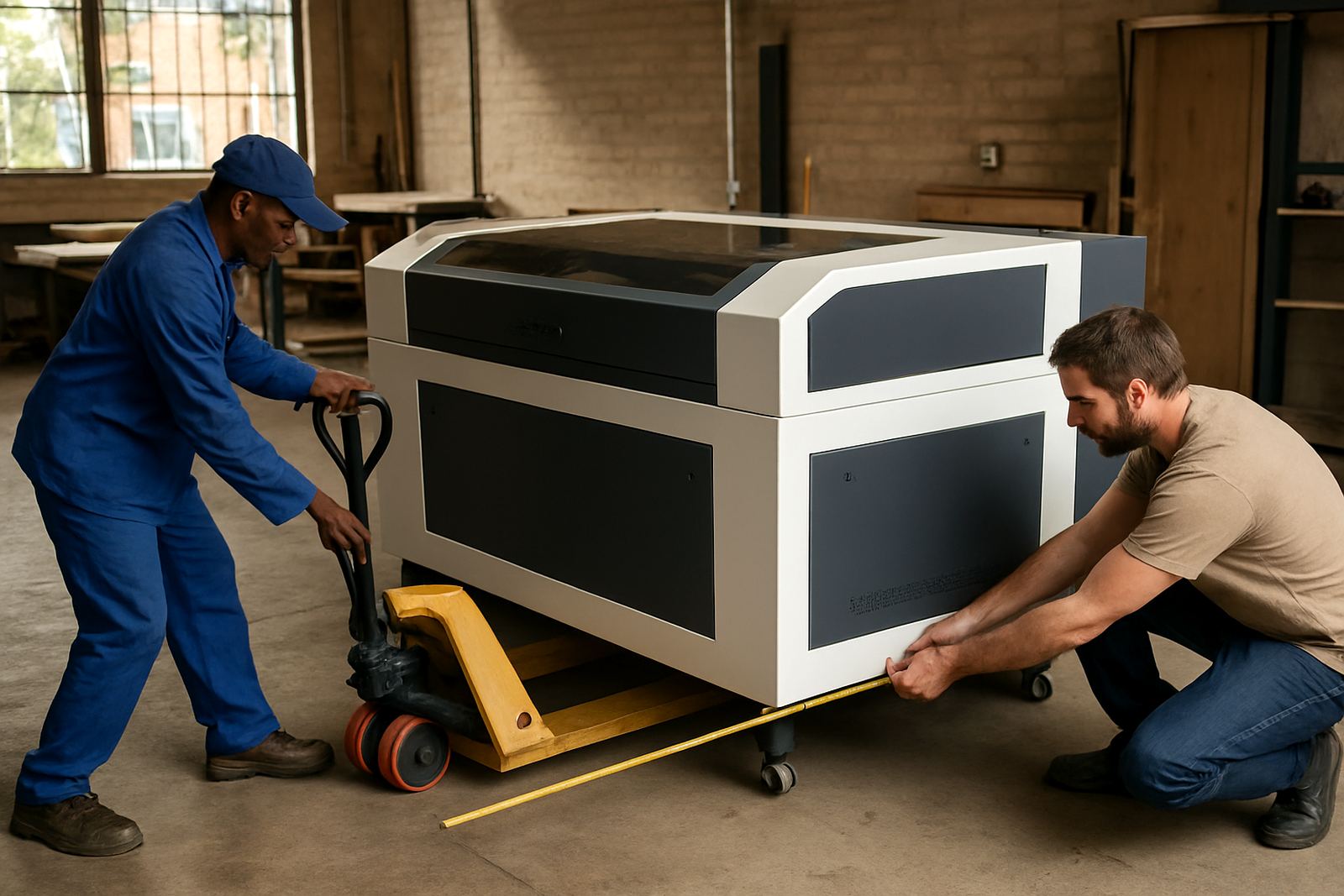
- On-site work quoted separately if tools or parts are needed
- Suitable for one-off help or ongoing workshop support
Maintenance Intervals That Reduce Repeat Faults
Remote support works best when the machine is being maintained on a steady schedule. For most workshop use, we recommend daily quick checks from the operator, weekly cleaning of the working area and optics housing, and monthly checks on cooling, extraction and alignment signs. In hot inland conditions, and especially in coastal areas, dust and humidity can affect performance faster than people expect. That means the machine can drift out of spec if nobody is watching the basics.
A sensible routine also reduces the number of support calls. If the lens is kept clean, the water circuit is stable and the extraction is working properly, the machine usually cuts more consistently and the operator can focus on production. If you are running long hours or multiple shifts, we may suggest shorter service intervals and a more detailed maintenance plan. It is cheaper to catch a problem early than to stop a job mid-run and lose material.
- Daily: check coolant level, airflow and basic machine status
- Weekly: clean optics area and inspect cut quality on a test sample
- Monthly: review alignment signs, hoses, extraction and cooling flow
- Quarterly or half-yearly: deeper servicing for heavy-use sites
Key facts
| Service area | Johannesburg base with nationwide remote assistance |
|---|---|
| Support method | Phone and screen-guided assistance |
| Typical use | Settings help, minor faults, operator questions |
| Material focus | Acrylic, wood, leather and similar sheet materials |
| Suitable for | New operators, busy workshops and multi-shift teams |
| Escalation path | On-site service, spares or maintenance booking if needed |